
Choices and variants (colors, sizes)
When a product comes in colors or sizes, each value becomes a variant in your store, with the same price and stock. Rename or remove values on Review.
On this page
Before you start
- Anyone on your store's team can do this.
- Plans: All plans. Credits: None beyond the product itself.
Steps
On Review, products with choices show Choices · 10 variants (the number follows the values).
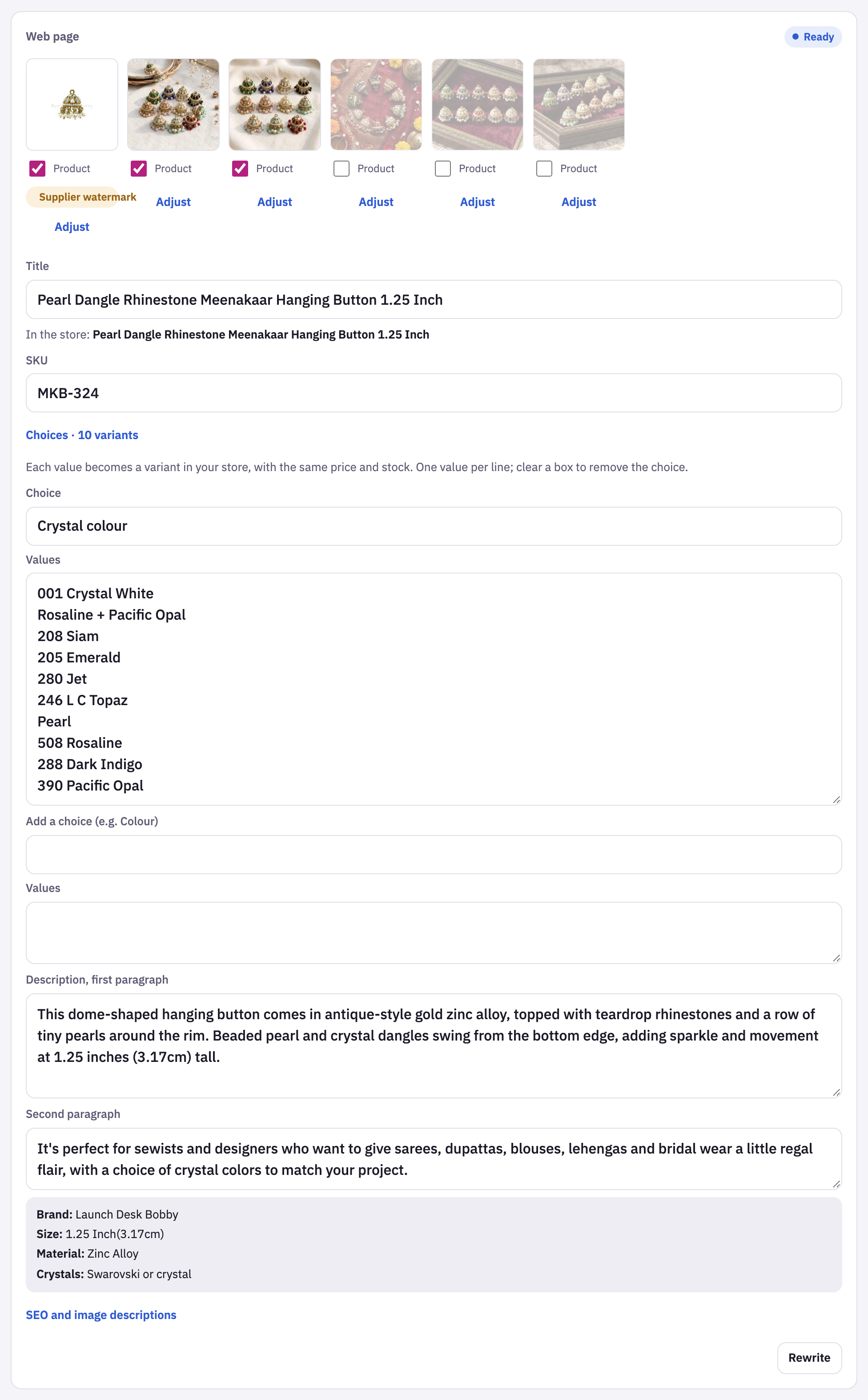
- Check the choice’s name, like Crystal colour, and its Values, one per line.
- Rename a value by editing its line, or delete a line to leave that value out. Clear the box to remove the choice.
- Add another choice, like size, in Add a choice.
- Upload as usual. Each combination becomes one variant in your store, with the product’s price and stock.
Variant SKUs
Each variant’s SKU is the product’s SKU plus the value, like MKB-324-001-CRYSTAL-WHITE, so every variant has its own.
Tips and limits
TipThe choices are read from the supplier's page. Check the values on Review before uploading.
LimitUp to 3 choices per product, and up to 2,048 combinations.
LimitA choice needs at least 2 values. After upload, change variants in Shopify.
LimitEvery variant gets the same price and stock.





















