
Post and schedule product content to Instagram, from one place
Launch Desk prepares your product posts and publishes them for you, now or on a schedule, after you've seen exactly what goes out. Captions and hashtags are written for every product.
Launch Desk prepares your product posts and publishes them for you, now or on a schedule, after you've seen exactly what goes out. Captions and hashtags are written for every product.
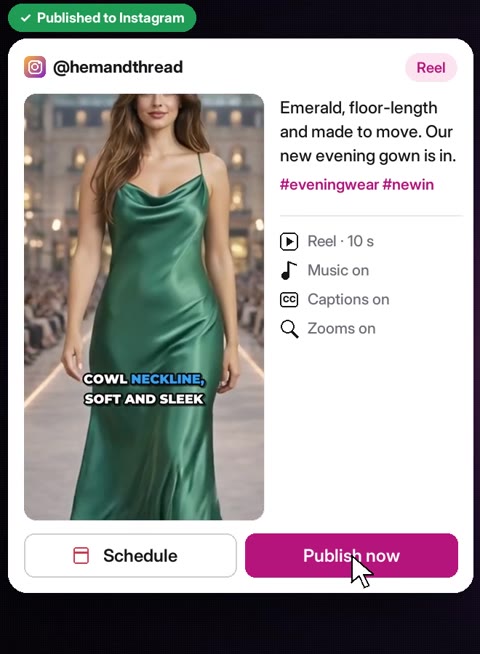
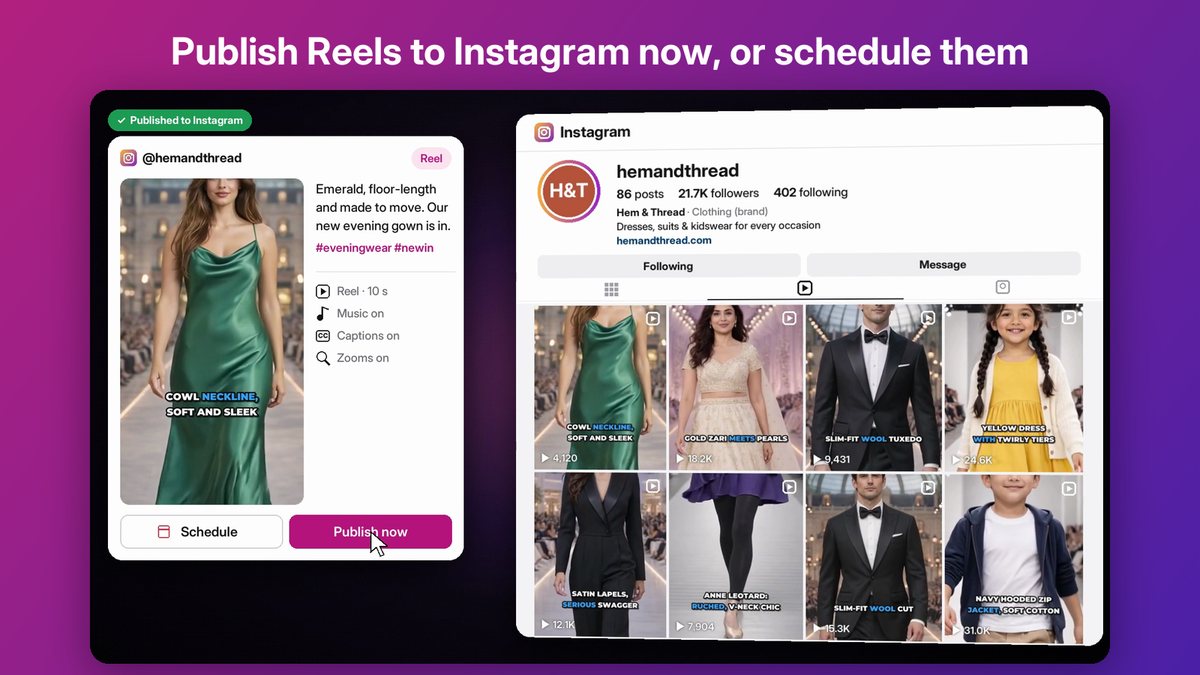
Your own Instagram professional account.
In your voice, with hashtags.
Image or video and caption, as they'll appear.
Now, or at a date and time you pick.
Yes. Every video and image can be downloaded and posted anywhere.
Short 9:16 product videos for Reels, TikTok and YouTube Shorts, made from your studio images, with music, camera moves and bold captions.
Learn more →Posts for store productsPick products already in your Shopify store and get style images, captions, videos and Instagram posts for them in minutes, without new listings.
Learn more →Video captionsBurned-in captions for product videos, with the spoken word highlighted, in a font and size you choose. Edit every line.
Learn more →Start a free trial on Starter or Basic, or book a 20-minute demo with your own products.
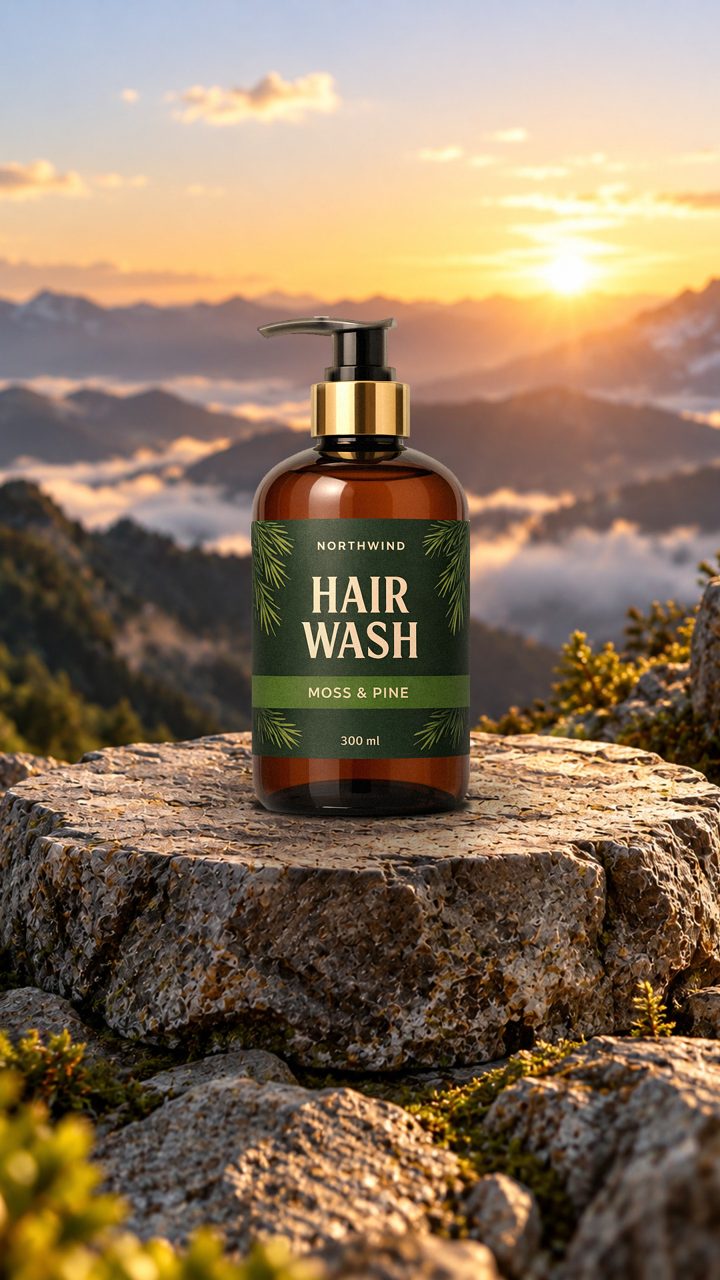
One product photo, placed on a mountain scene and brought to life with a slow camera move.
See how it's made →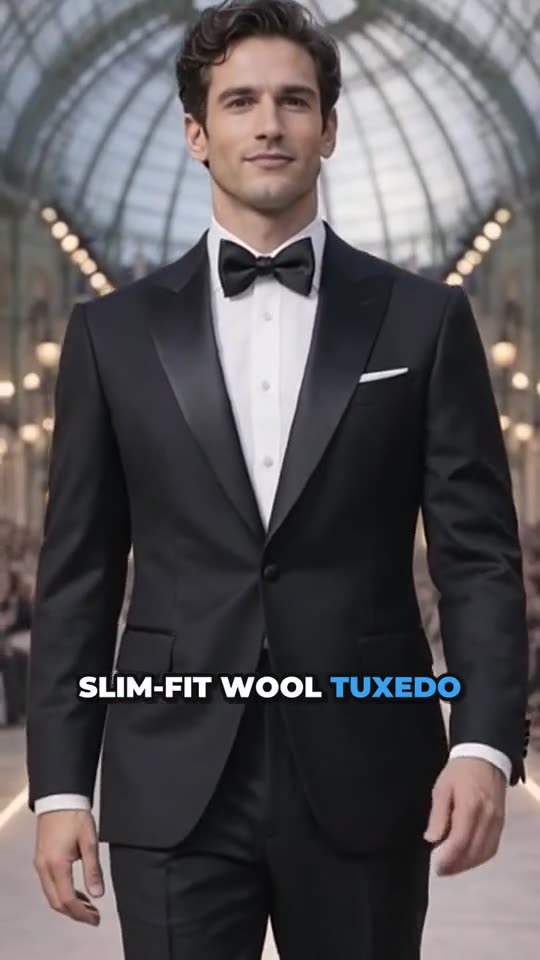
A slim-fit wool tuxedo walked down a glass-atrium runway by an AI model, with music and captions.
See how it's made →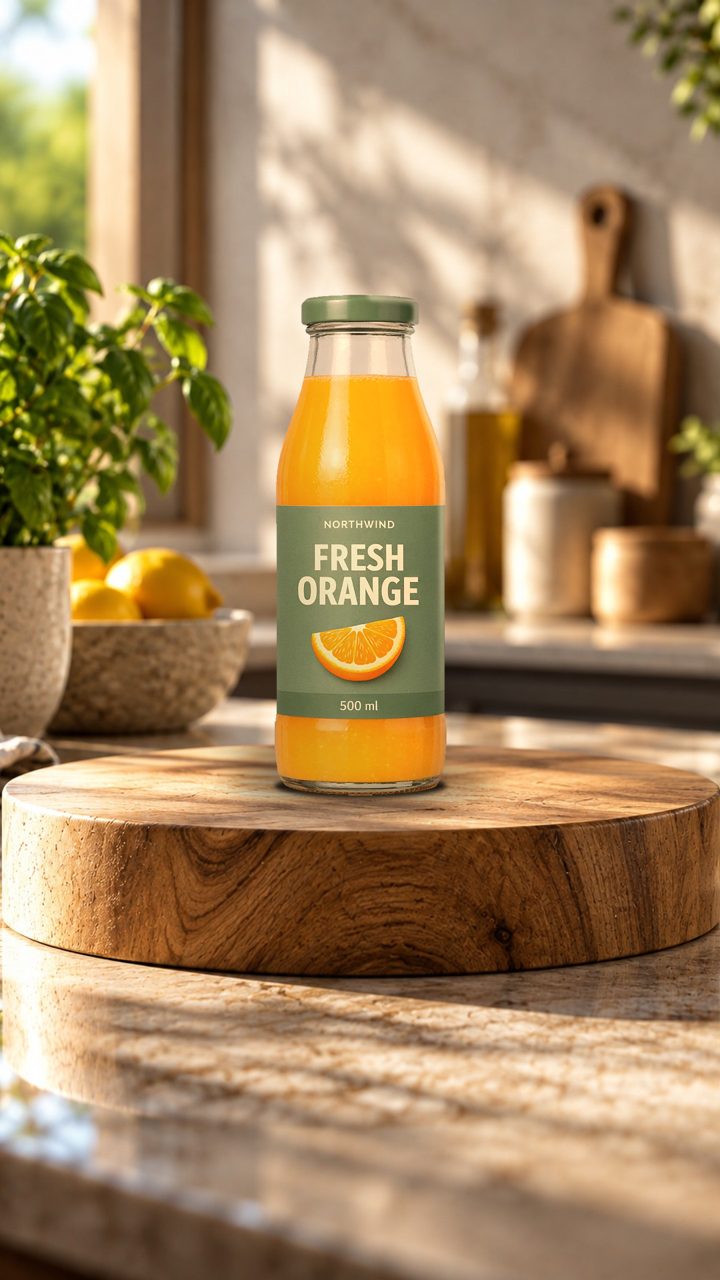
A juice bottle on a kitchen counter scene: the label stays exactly as printed.
See how it's made →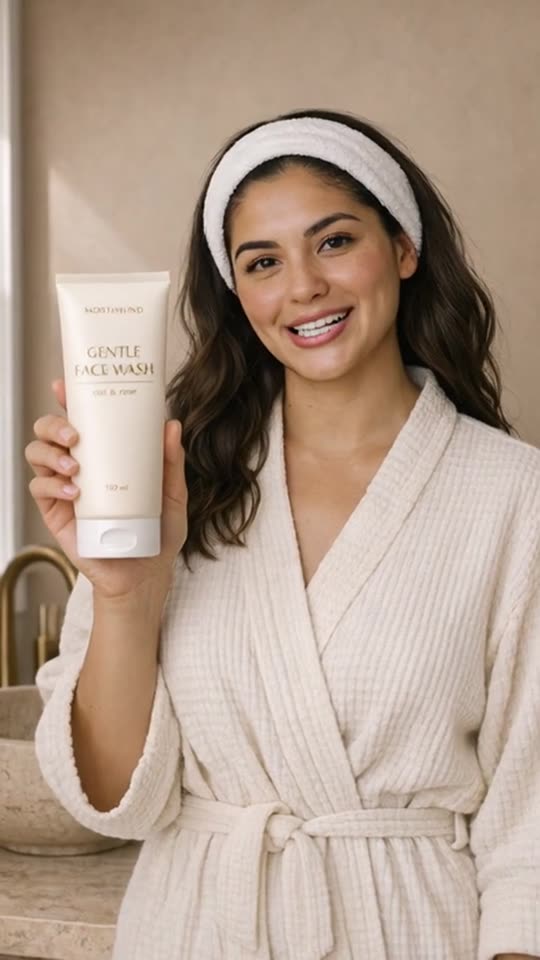
An AI presenter shows how she uses the face wash, with a natural voice and captions.
See how it's made →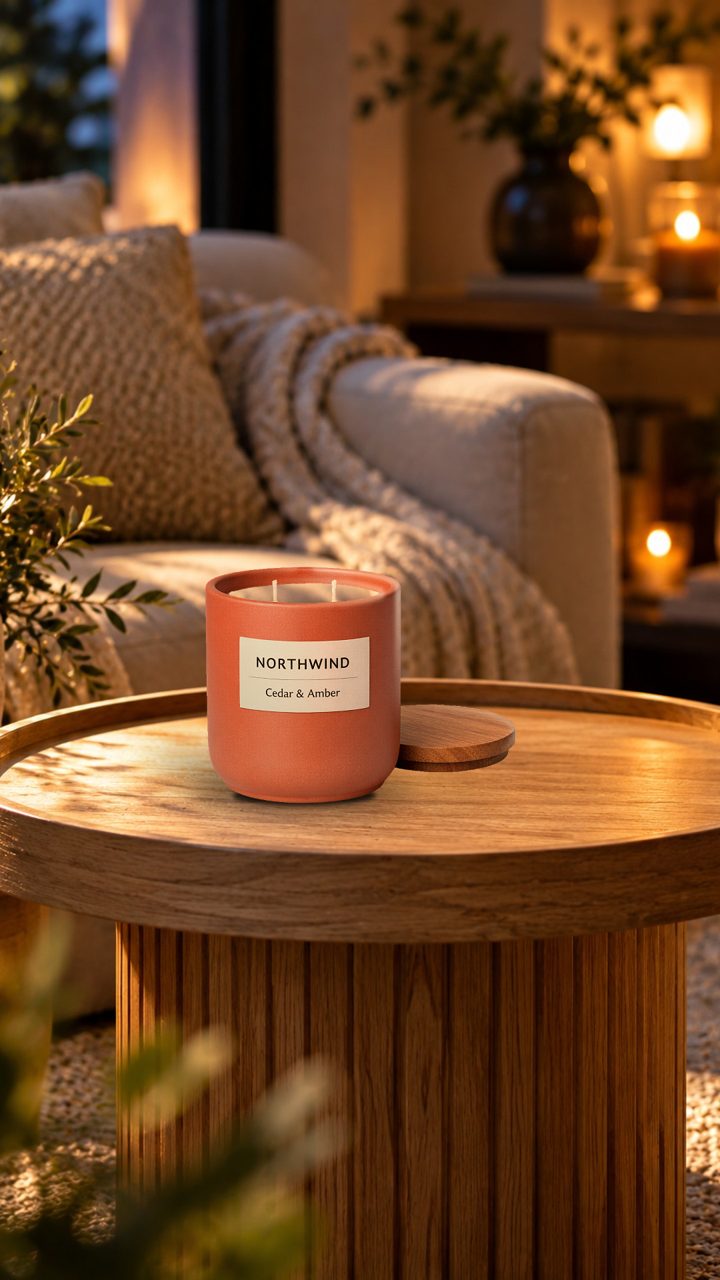
Warm lifestyle light for home and decor, without staging a room.
See how it's made →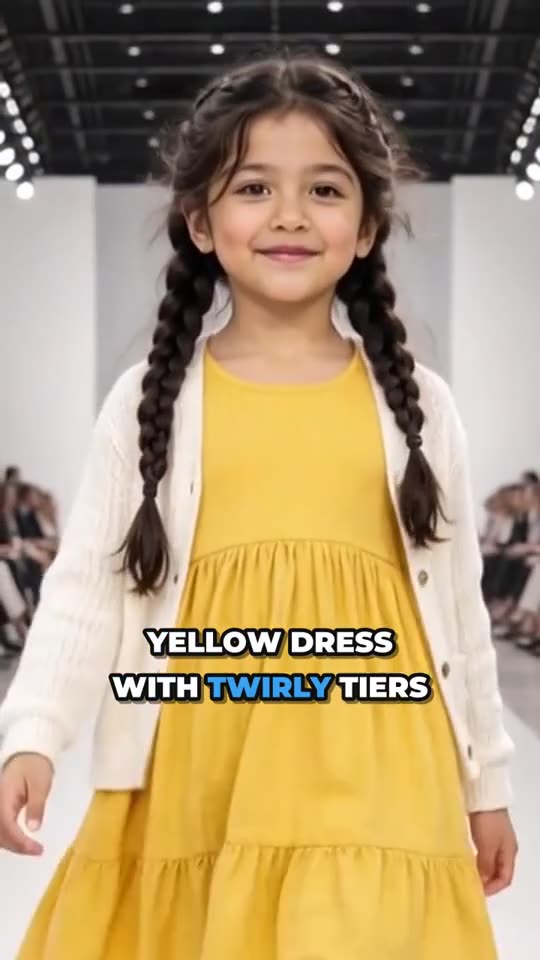
Kids' clothing on a kid model, in a bright, age-appropriate runway walk.
See how it's made →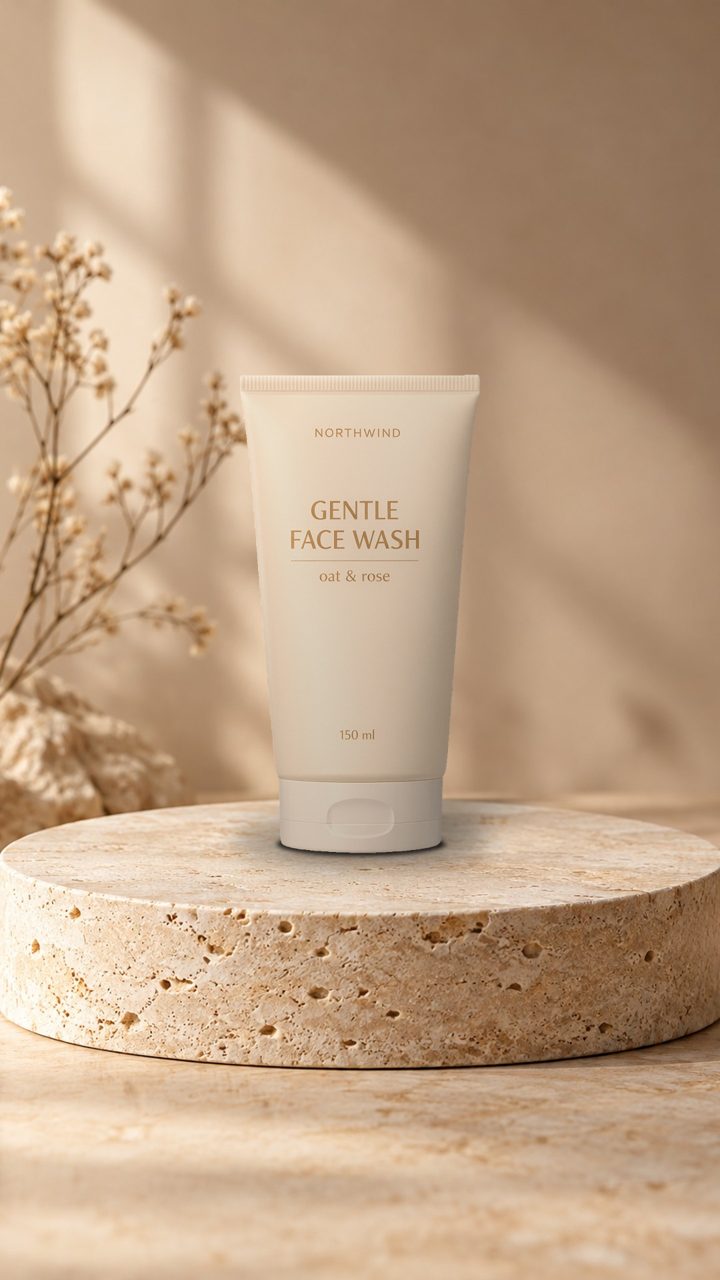
Soft studio light on stone: a calm, premium look for skincare.
See how it's made →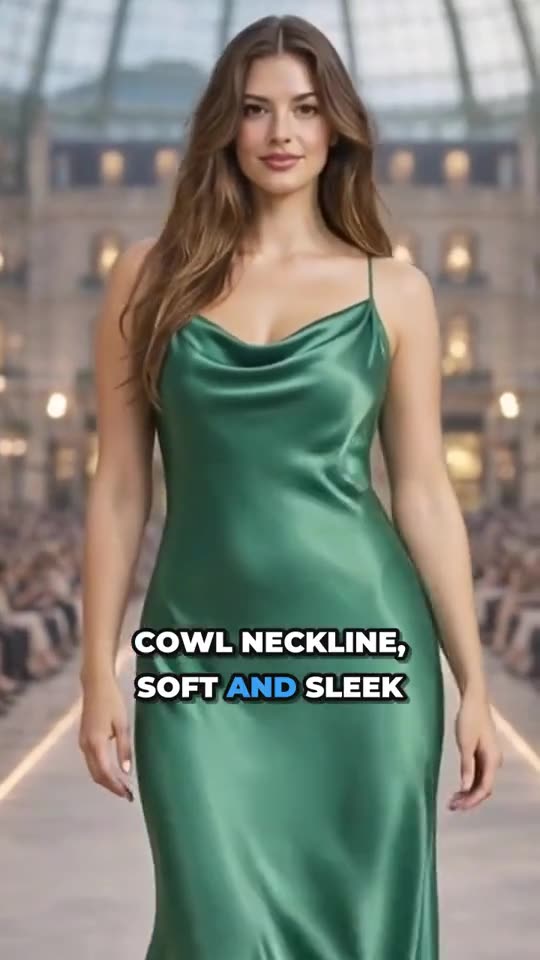
A satin gown on the runway, framed for Reels and for 4:5 feed posts.
See how it's made →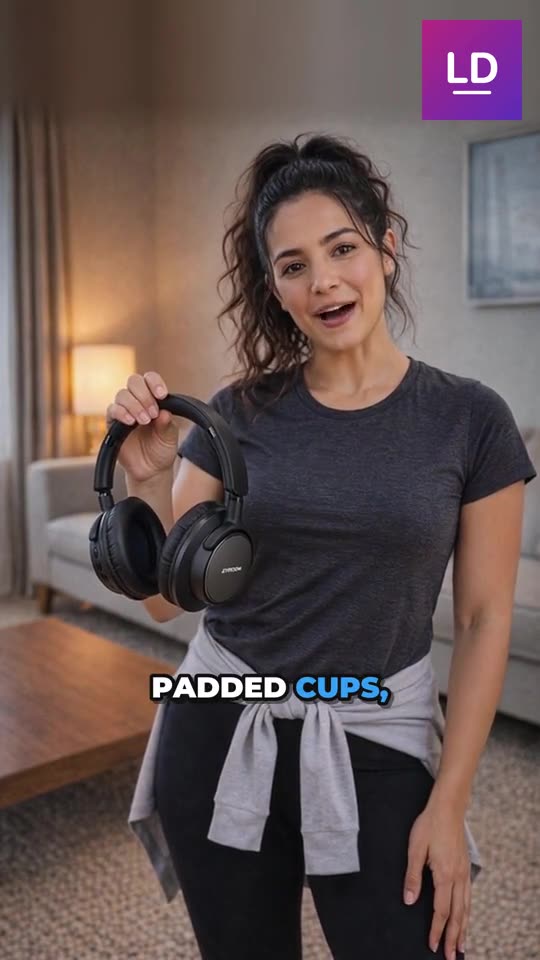
A presenter holds the product and talks about it, ready for Reels and TikTok.
See how it's made →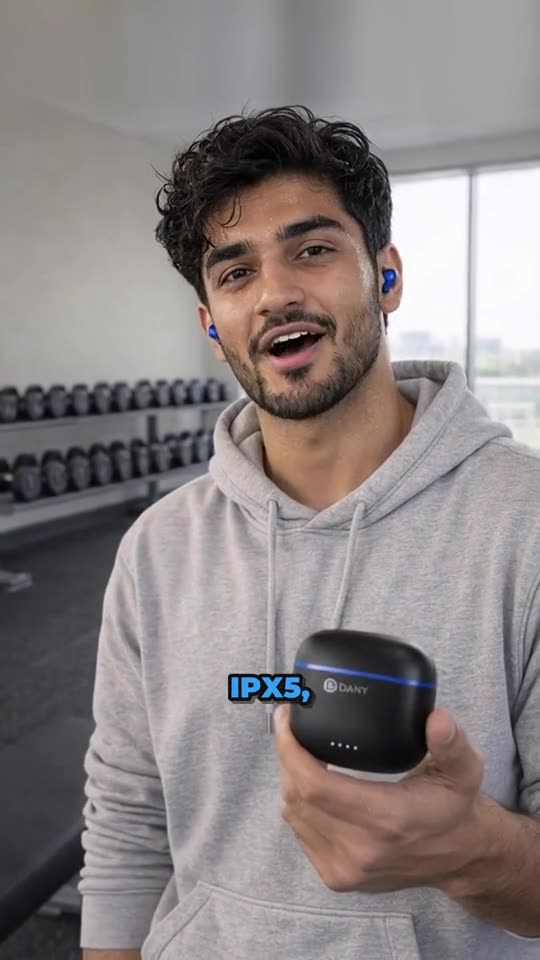
A presenter talks about the earbuds in a gym, with his own voice line and captions.
See how it's made →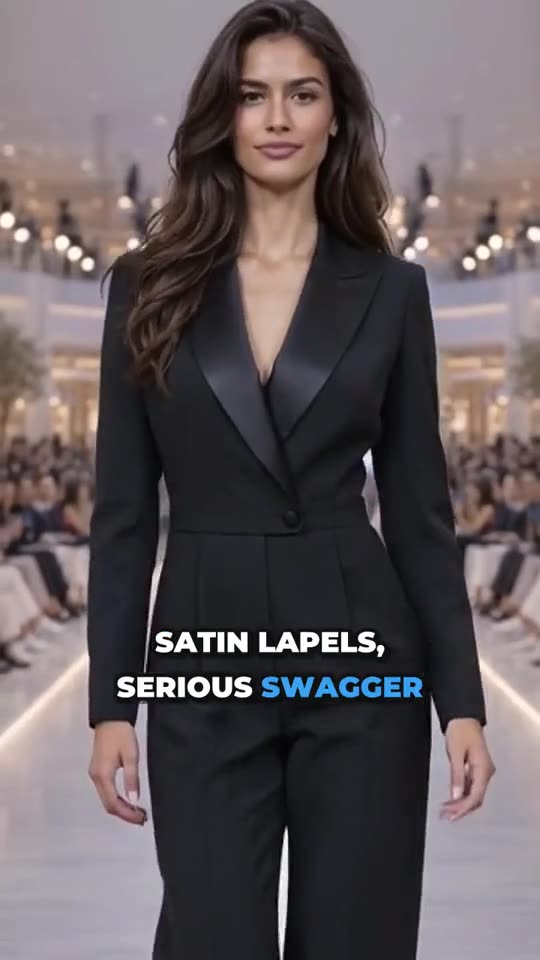
Satin lapels on the runway: bold captions name the details as she walks.
See how it's made →
Festive wear in a festive setting: one of 16 ready-made places, or your own.
See how it's made →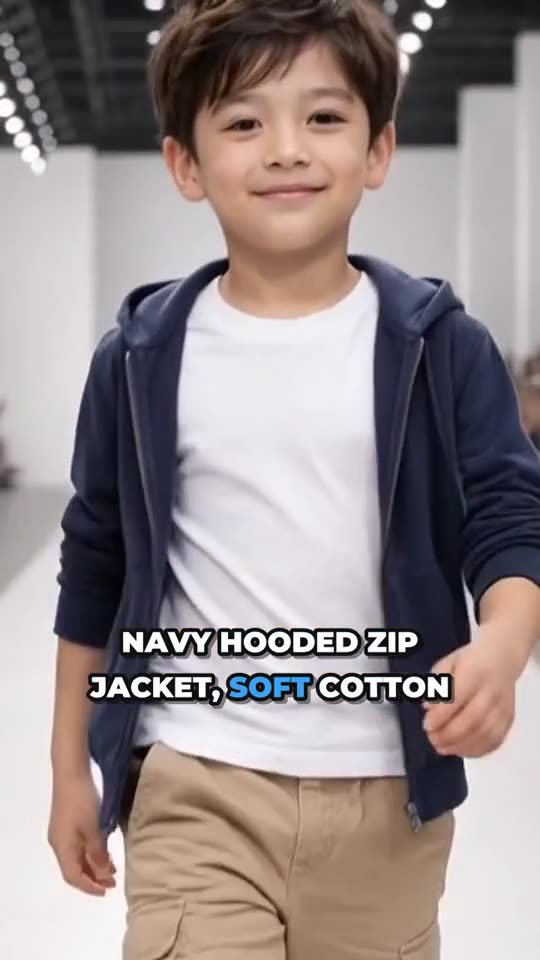
Women, men and kids: every model walks toward the camera with zooms and music.
See how it's made →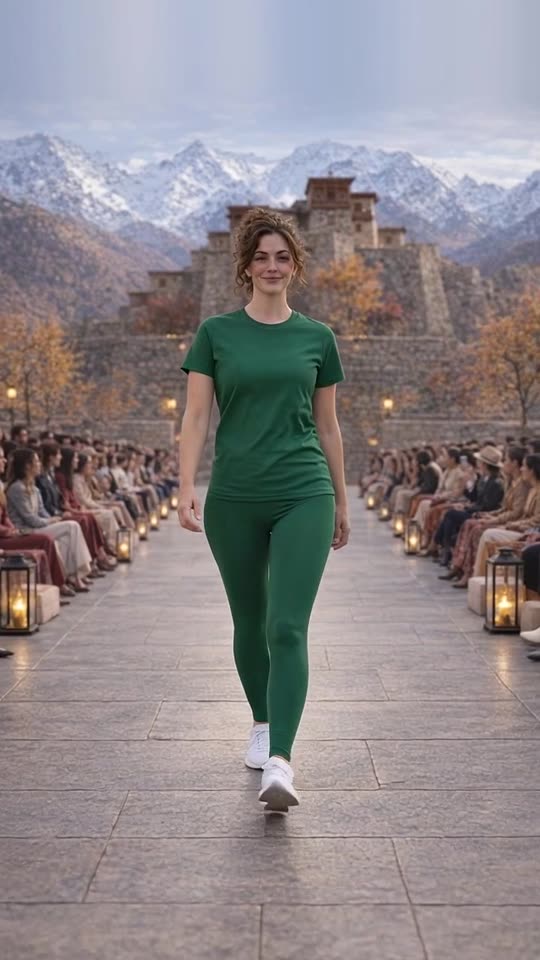
Two to five products worn together as one outfit, in one walk.
See how it's made →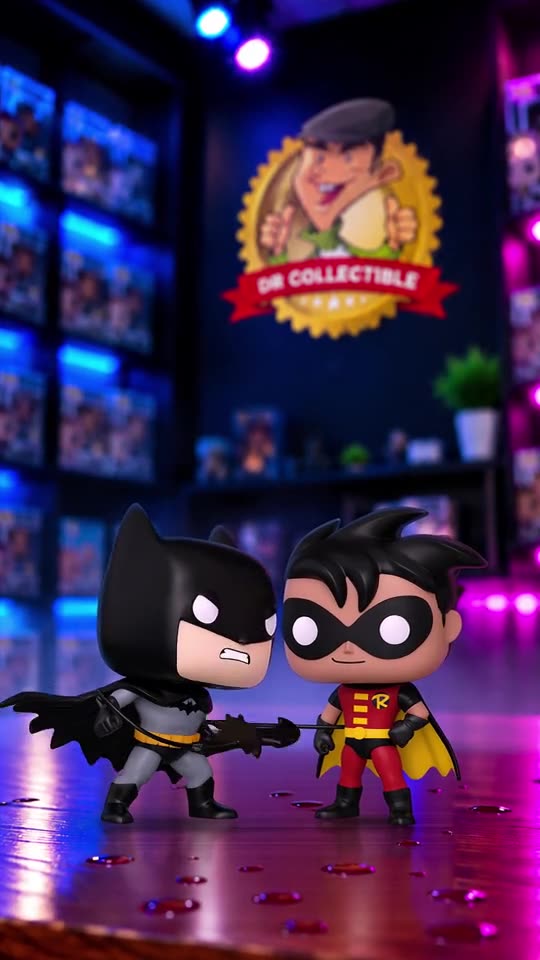
A product video DrCollectible made from its own studio image, in the store's themed shop scene.
See how it's made →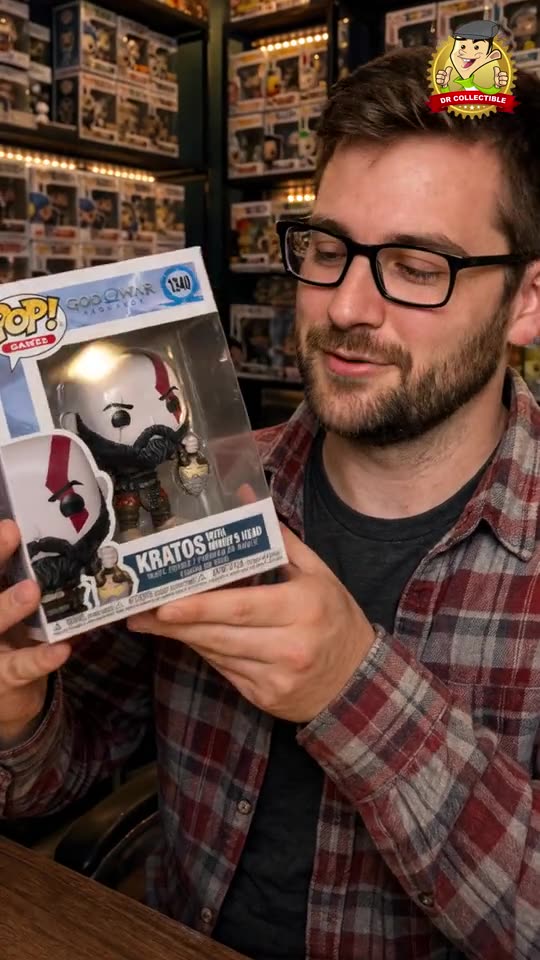
An AI presenter unboxes the figure in DrCollectible's shop and announces the pre-order.
See how it's made →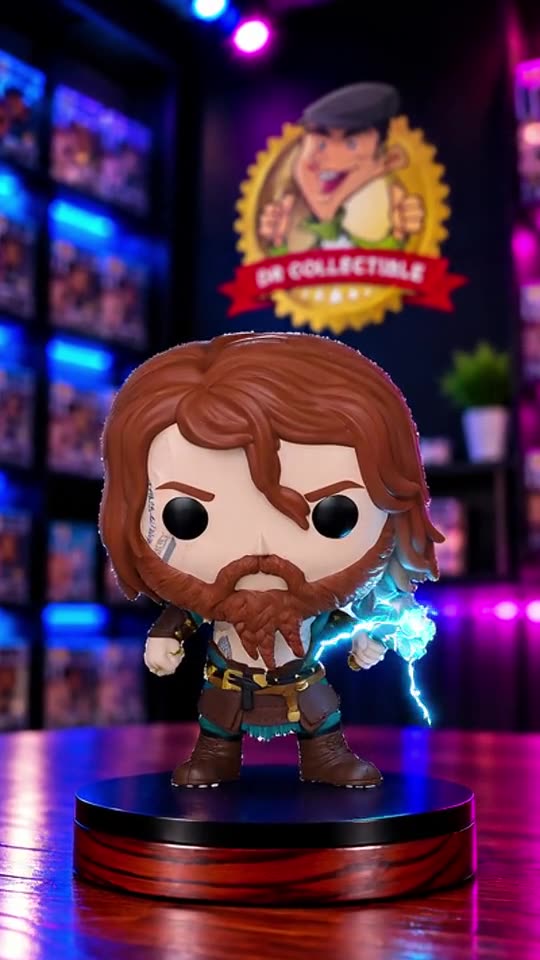
Lightning crackles around the figure while the camera moves in slowly.
See how it's made →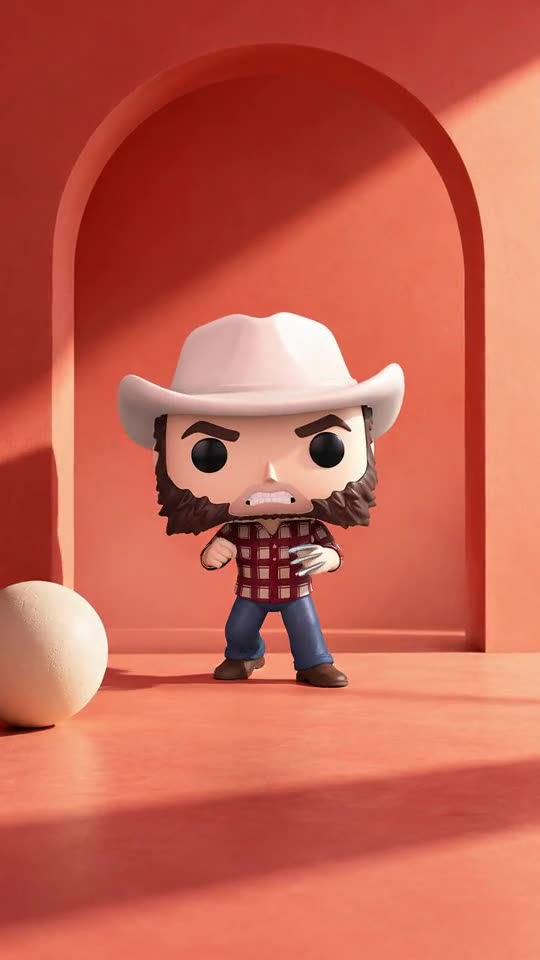
A different scene for a different mood: the figure on a warm, minimal set.
See how it's made →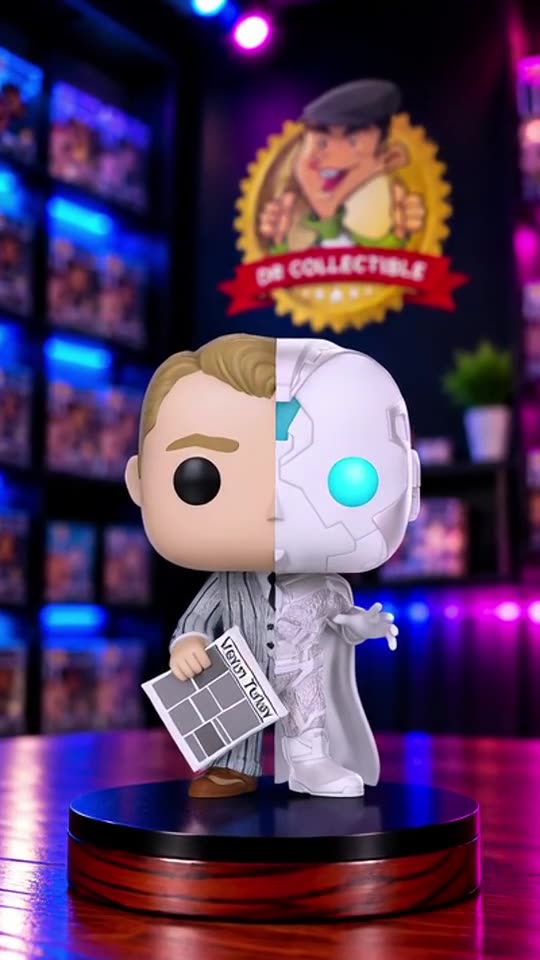
A slow orbit shows both halves of the split figure.
See how it's made →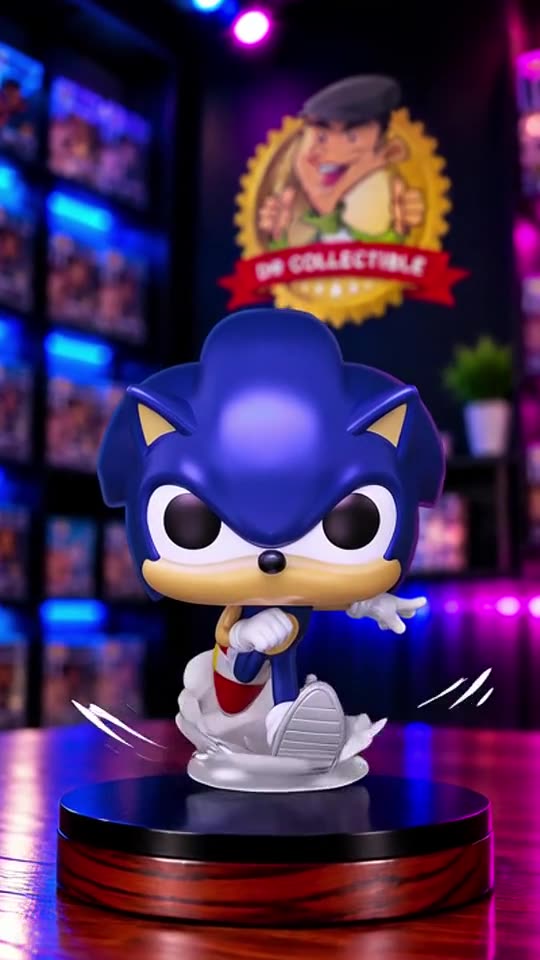
The pearlescent finish catches the shop lights as the camera moves.
See how it's made →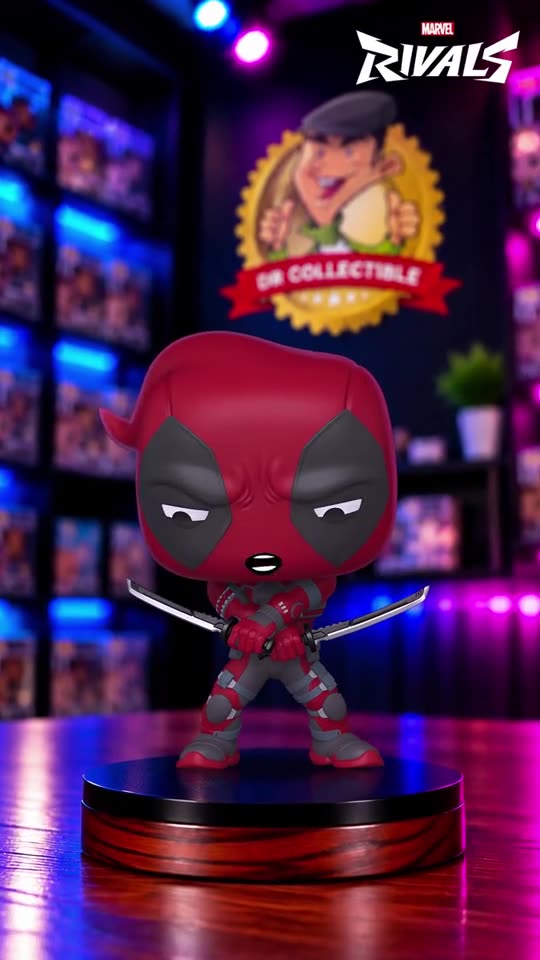
A short product video for a new arrival, in the store's themed shop.
See how it's made →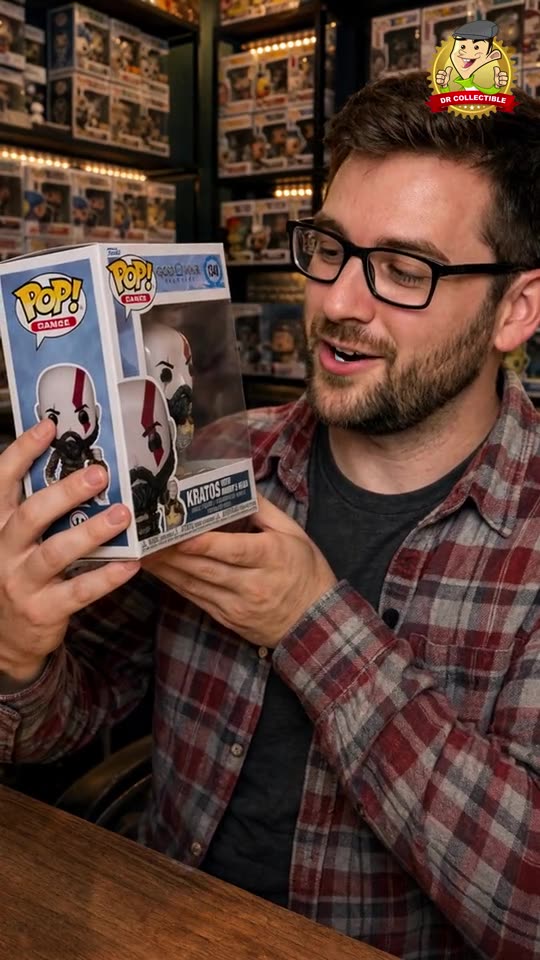
A presenter shows the boxed figure in the shop, with his own voice and captions.
See how it's made →