DidYouBuyLaunch Deskby DidYouBuy

AI product videos for Shopify, made from your product photos

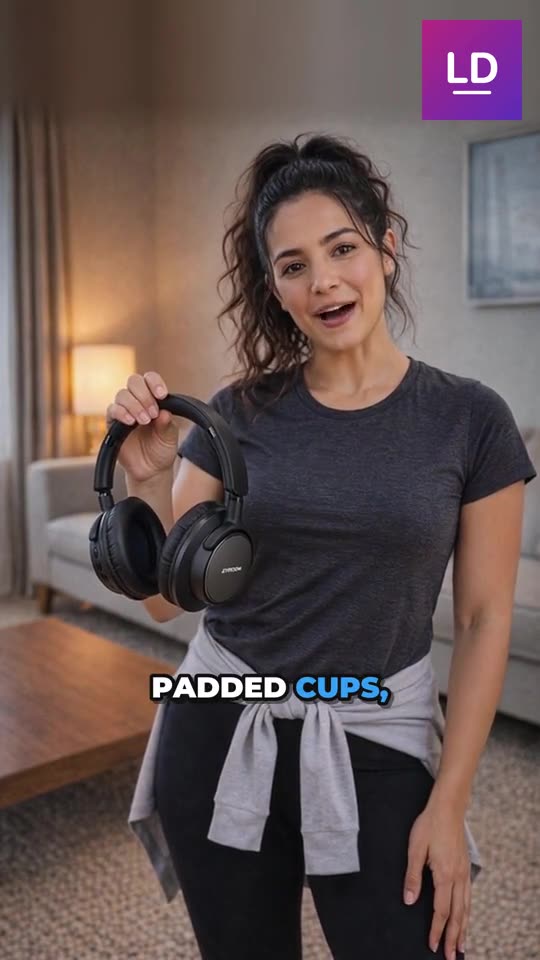
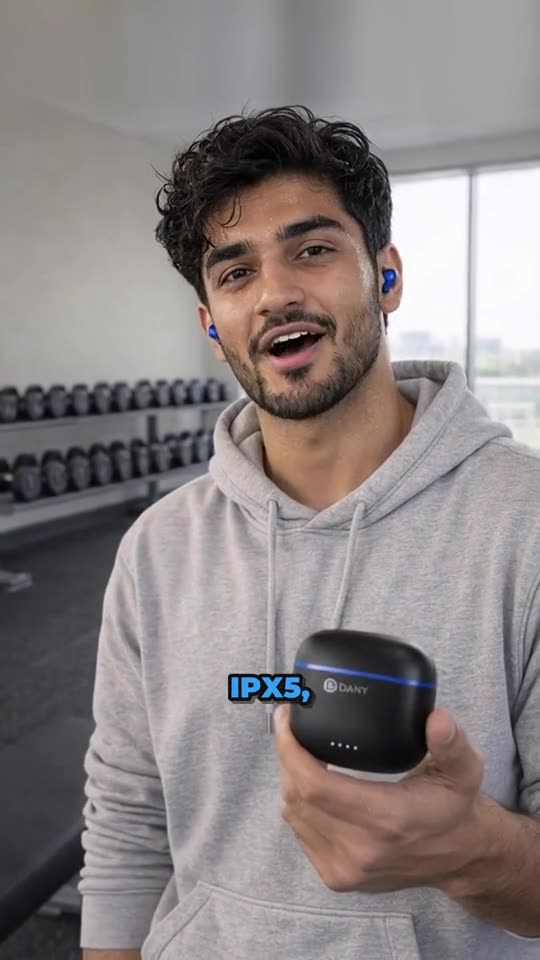
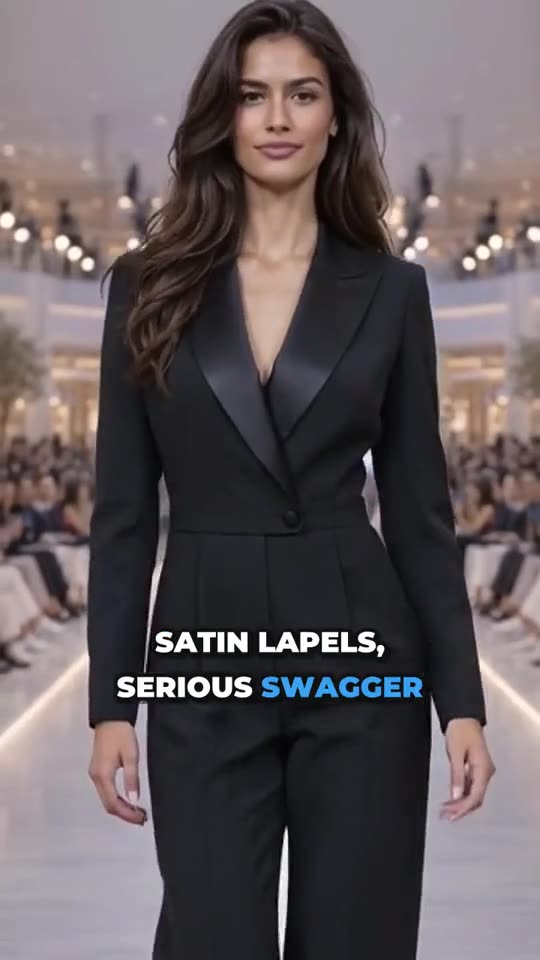
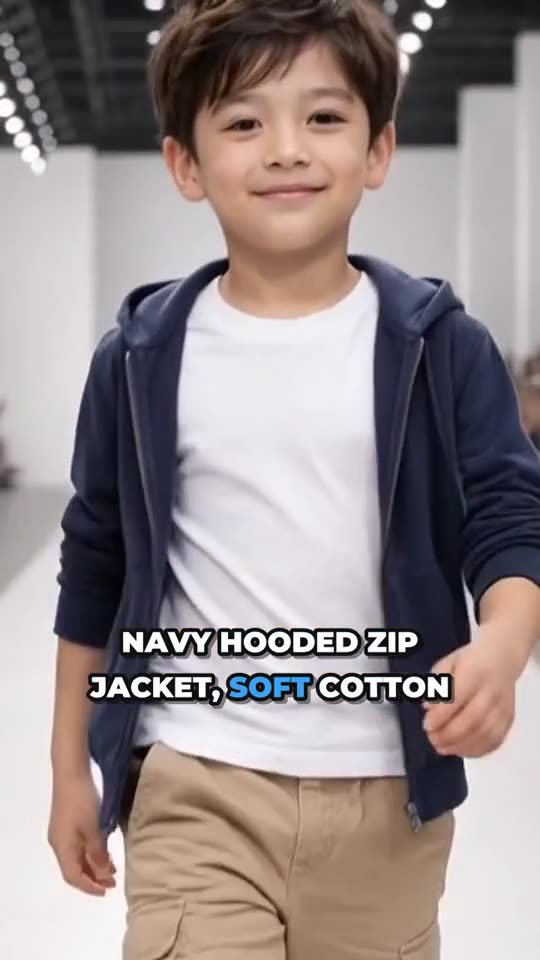
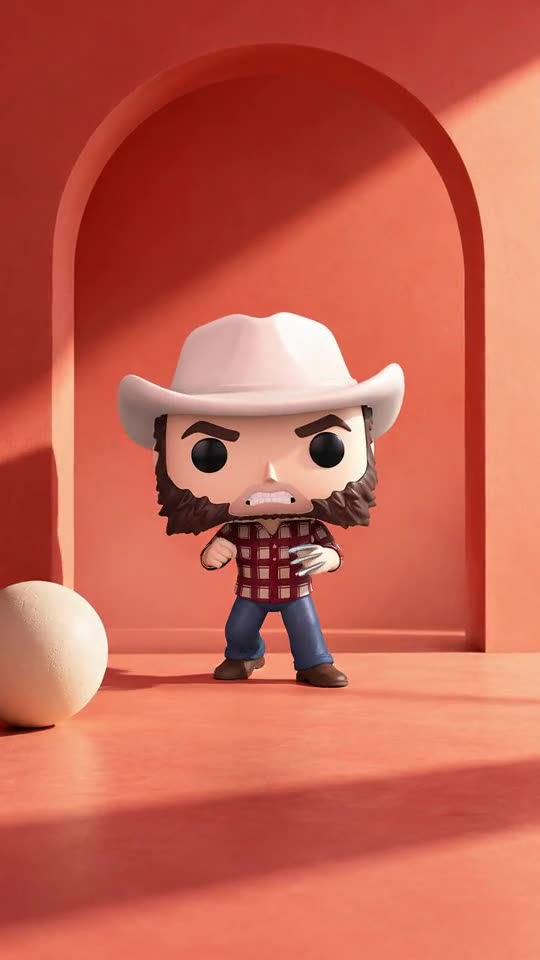
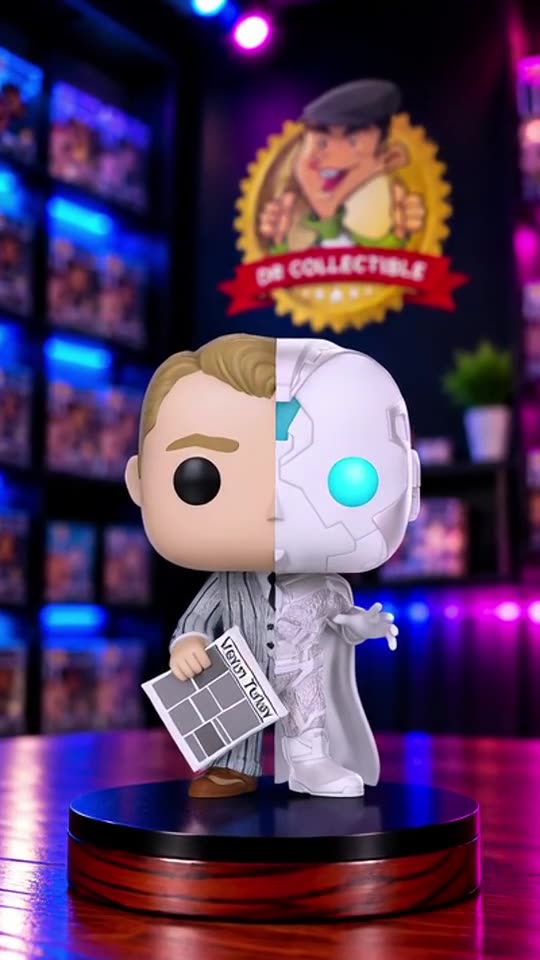
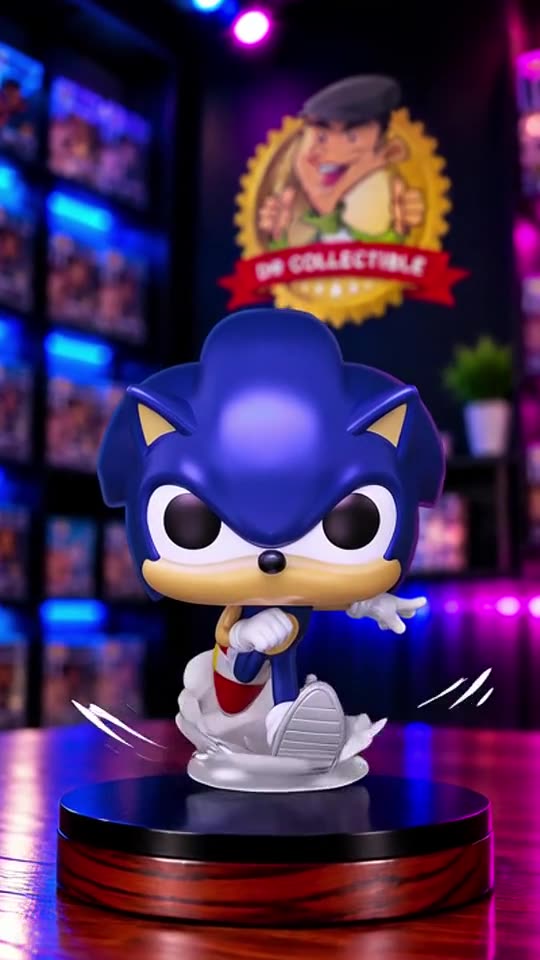
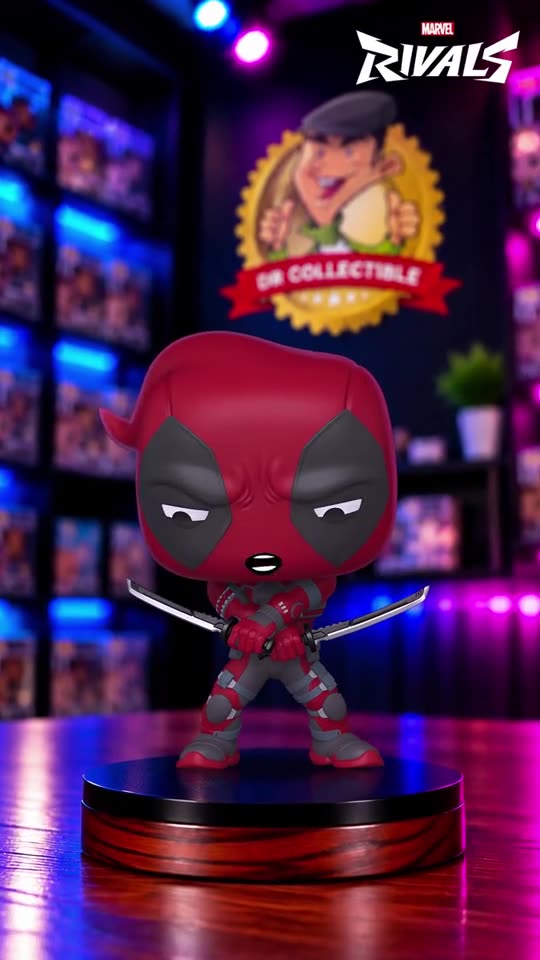
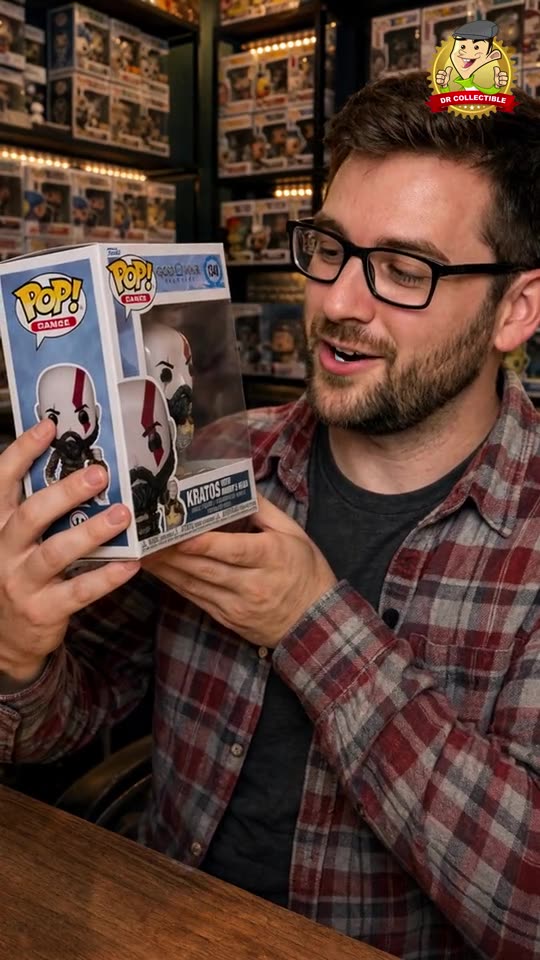
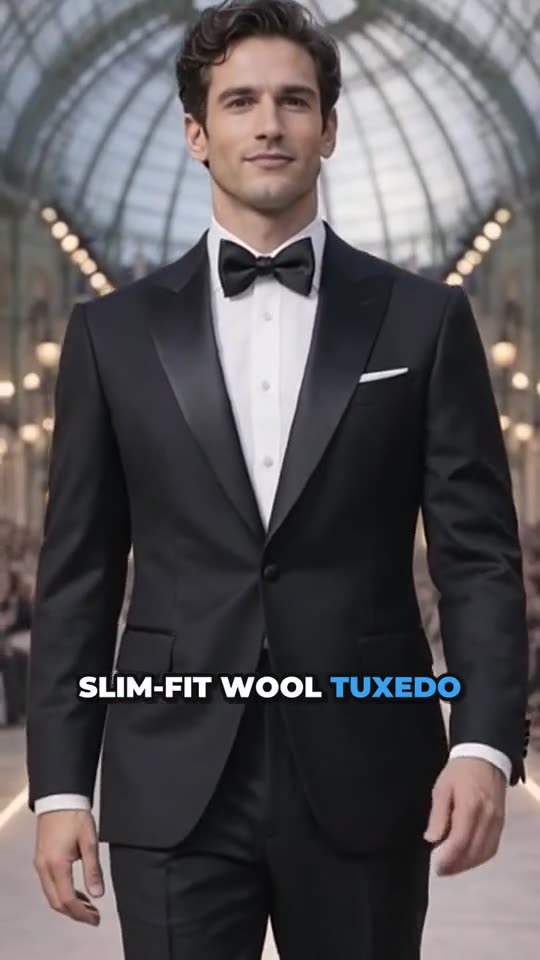
Launch Desk turns your studio images into short vertical videos for Instagram Reels, TikTok and YouTube Shorts, with no camera, studio or editing. Each video gets a camera move, music and bold captions.

How it works

AI product videos, step by step

  1. Start from a style image

    Your product in its studio scene is the first frame.

  2. Check the video script

    Written for you; edit the words and camera moves.

  3. Pick the quality

    Lite for quick, simple motion; Advanced for cinematic camera work.

  4. Captions and music

    Edit the caption lines, font and size.

What you get

Also included

  • Prefer real footage? Upload your own video instead
  • Redo any video in one click
  • Product checked so it stays as it is

Which plans include it

AI videos are on Growth (20 video credits a month) and Pro (30). Lite uses 1 credit and Advanced uses 4. Uploading your own video works on every plan.

See pricing →

Good to know

  • AI video services can decline some products, such as licensed characters. You're told why and offered other options.
Samples

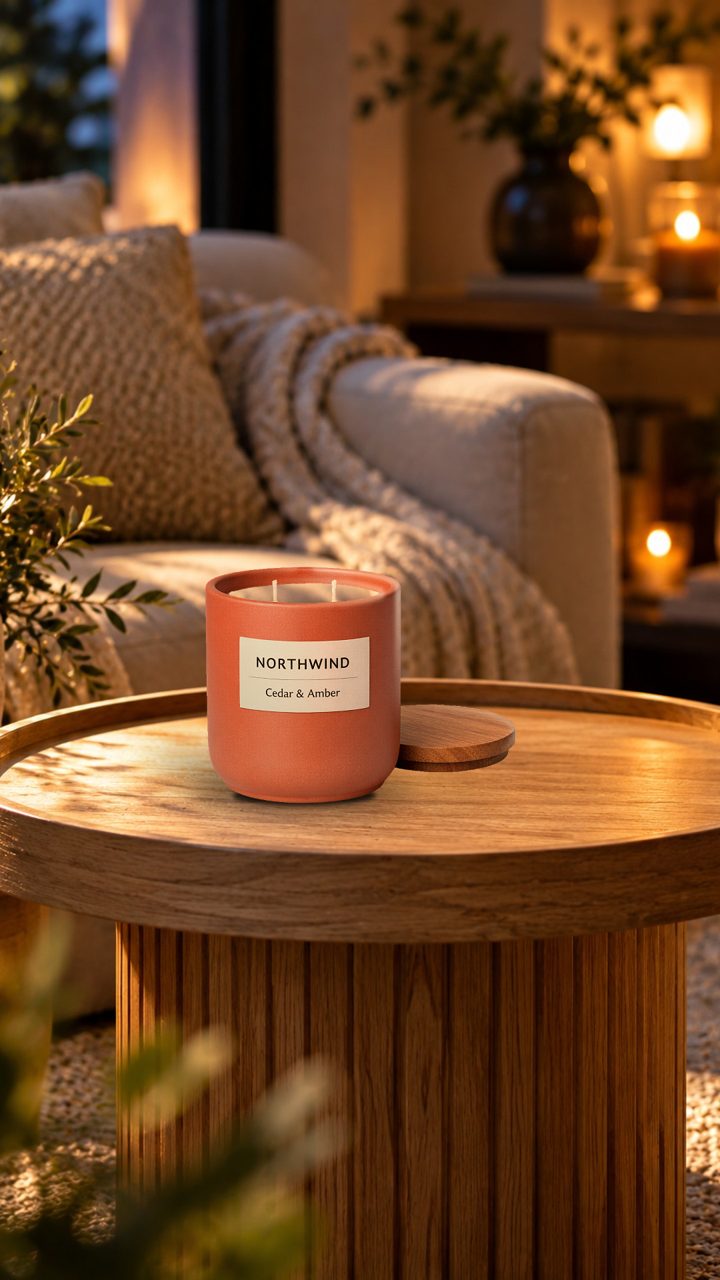
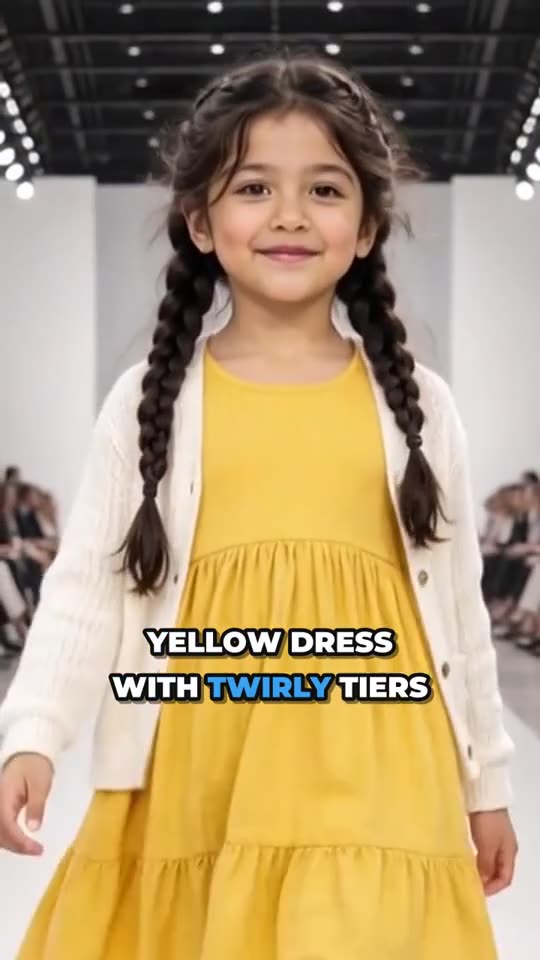
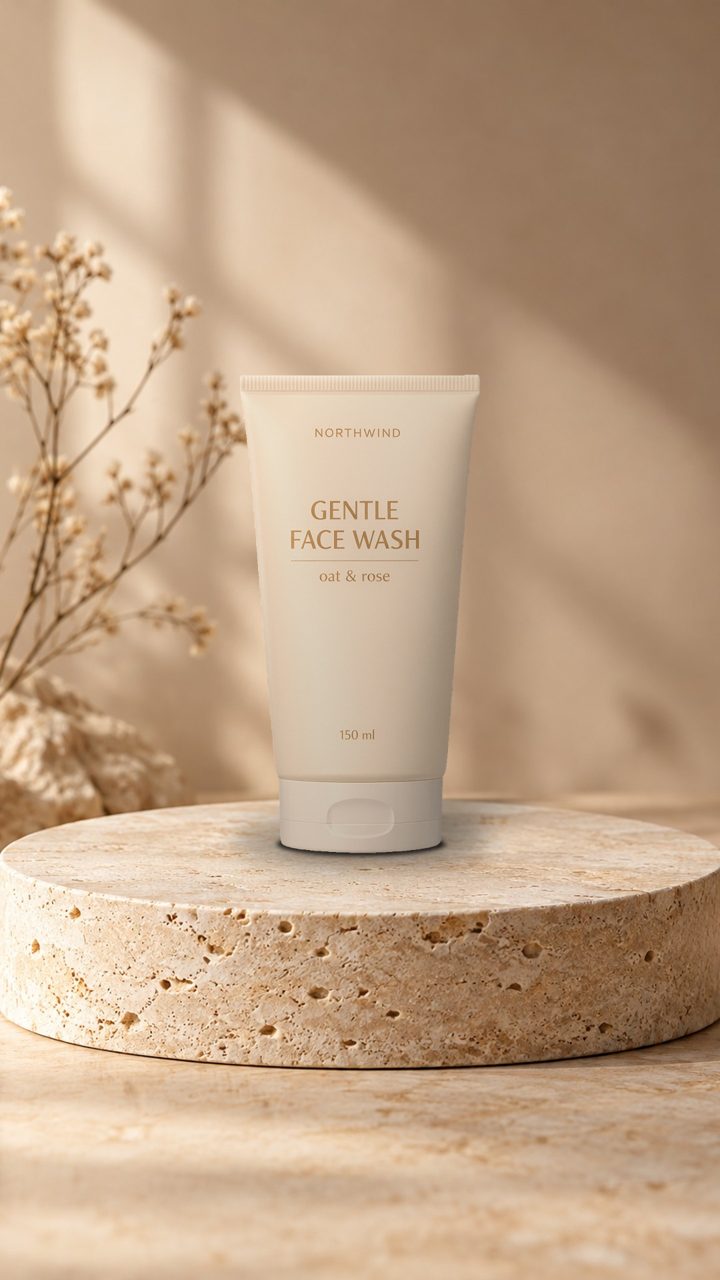
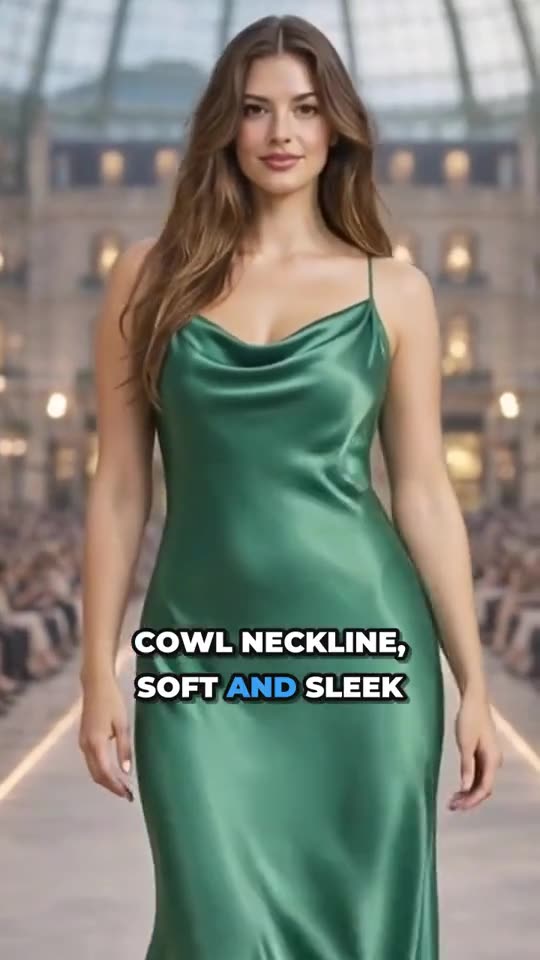
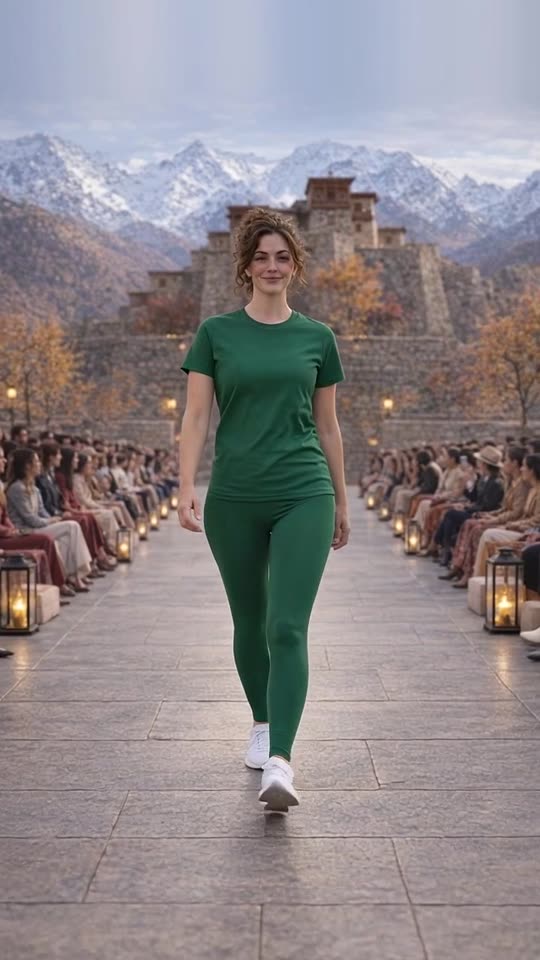
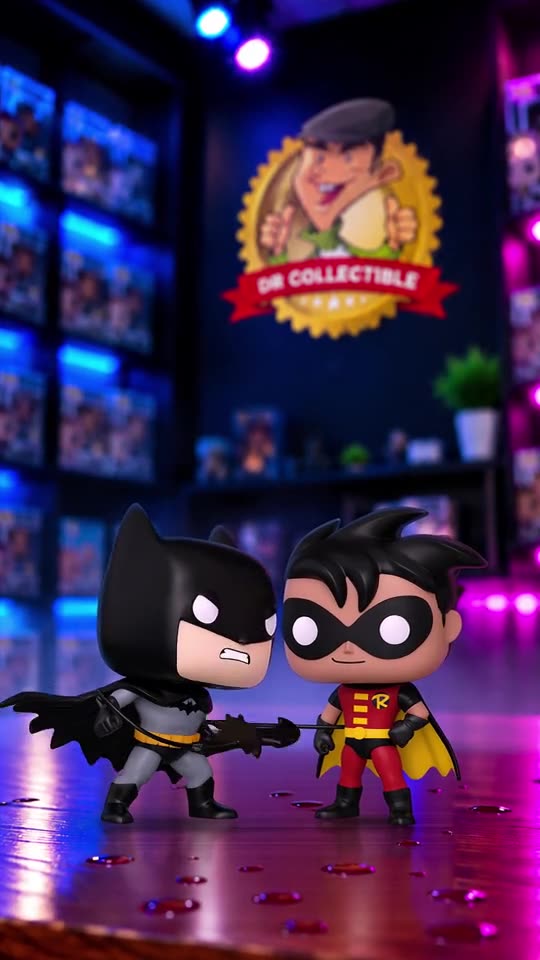
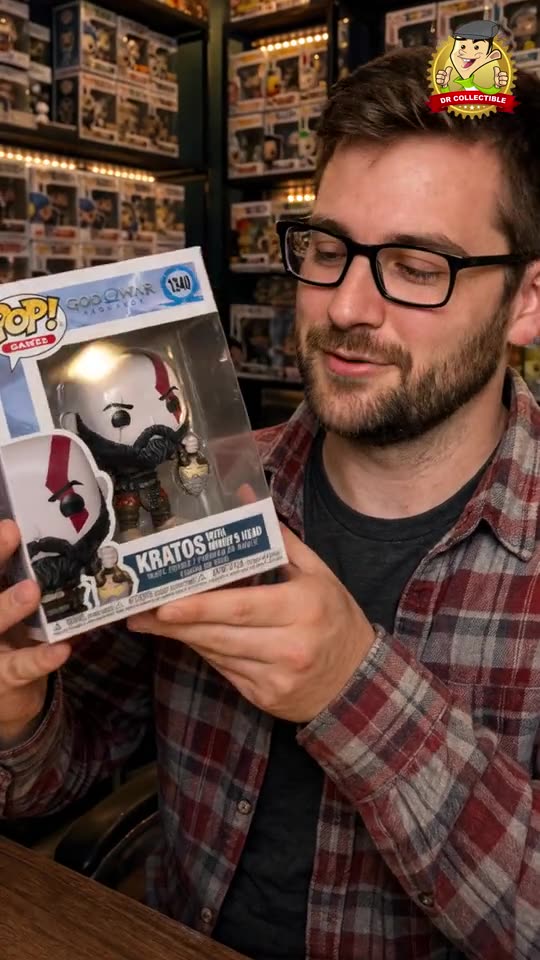
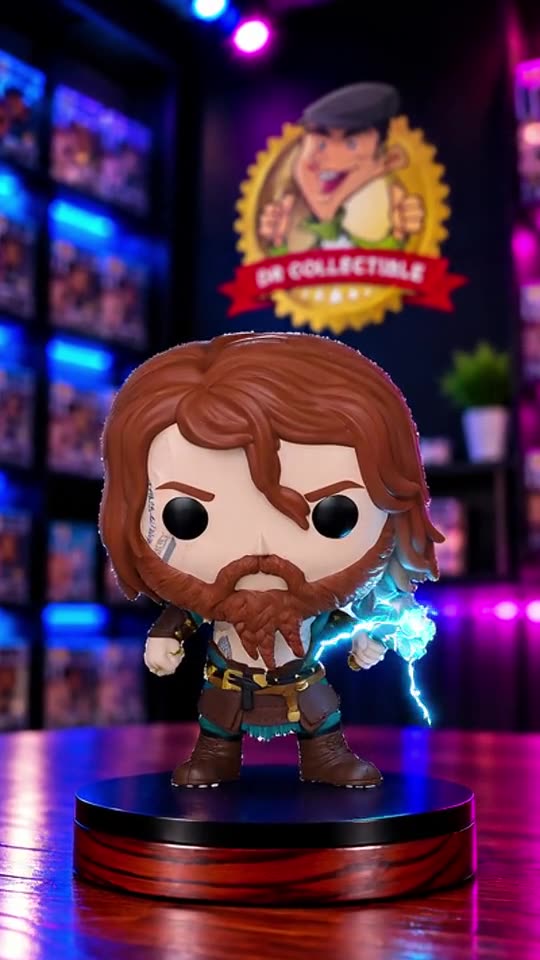
Samples made with Launch Desk

FAQ

AI product videos: questions and answers

How long are the videos?

A few seconds to about 15 seconds: the length that works best for one product in a short-video feed.

Related

Works well with

Ready for your next launch?

Start a free trial on Starter or Basic, or book a 20-minute demo with your own products.