DidYouBuyLaunch Deskby DidYouBuy

AI product photos: your real product in studio scenes

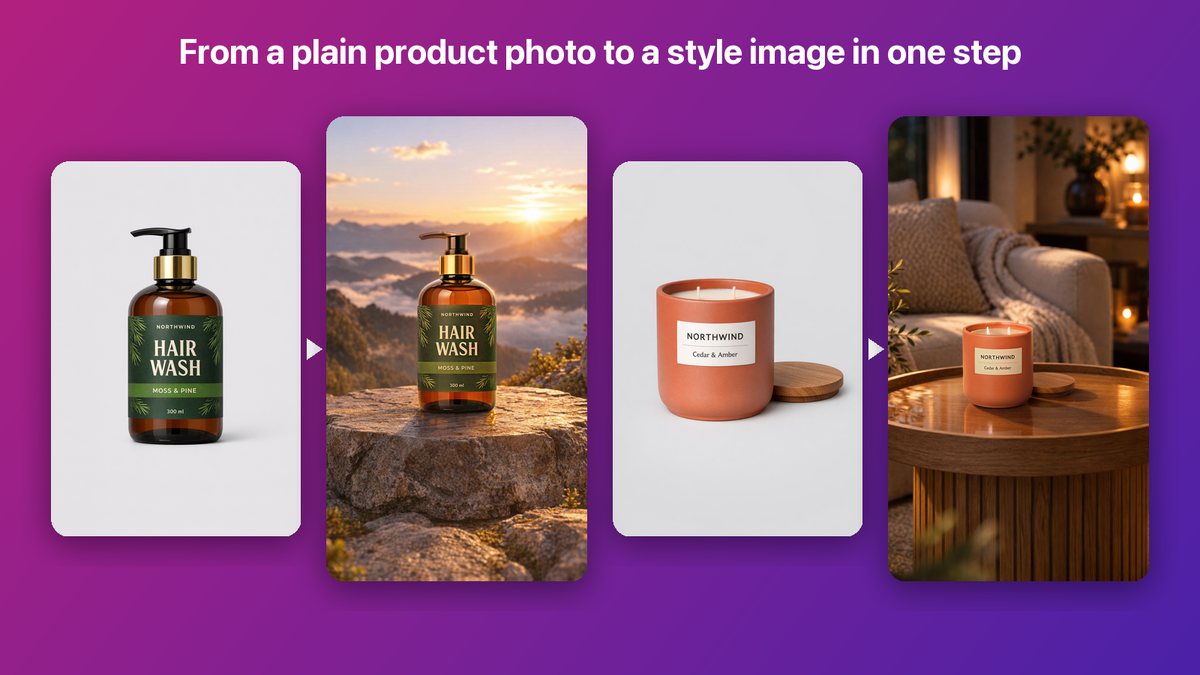
Launch Desk turns a plain product photo into a studio image. Your photo is placed in a scene and lit to match it, so what customers see is exactly what they get: labels, colors and shapes are never redrawn.
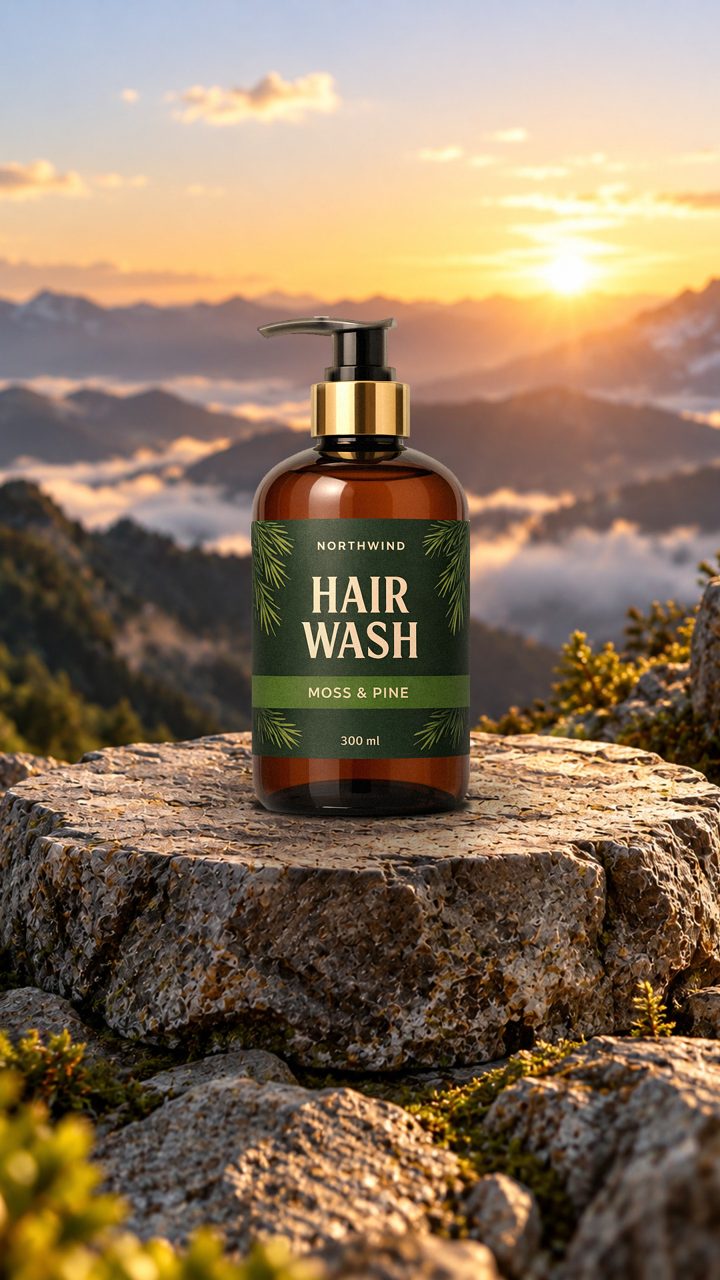
A bottle of hair wash placed on a rock in a mountain sunset scene
How it works

AI product photos, step by step

  1. Choose a look

    Seasonal, minimal, lifestyle or outdoor scenes from the library, or your own.

  2. Make the images

    Light and shadows are matched to each scene.

  3. Adjust

    Move or resize the product, try another scene, or redo one image.

  4. Use them anywhere

    Listings, social posts, and the first frame of your videos.

What you get

Also included

  • Upload photos of your own studio, shop or brand set as scenes
  • AI backgrounds made for one product
  • 9:16 for Stories and Reels, plus a 4:5 version for feed posts
  • Your logo on every image

Which plans include it

Placing products on scenes is included on every plan. AI-made backgrounds: 5 a month on Basic, 30 on Growth and 60 on Pro.

See pricing →

Good to know

  • A cleaner product photo gives a better result.
Samples

Samples made with Launch Desk

From a plain product photo to a studio image
Before and after
Hair wash in a studio scene made by Launch Desk
Hair wash
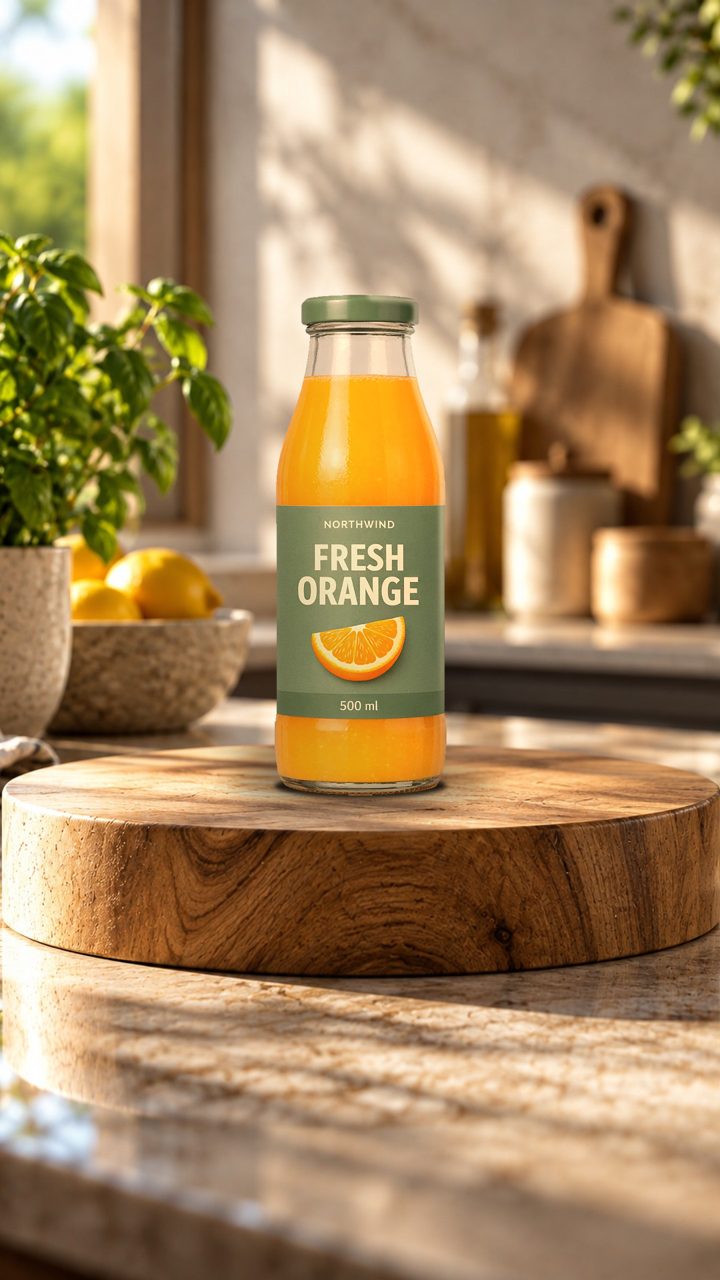
Orange juice in a studio scene made by Launch Desk
Orange juice
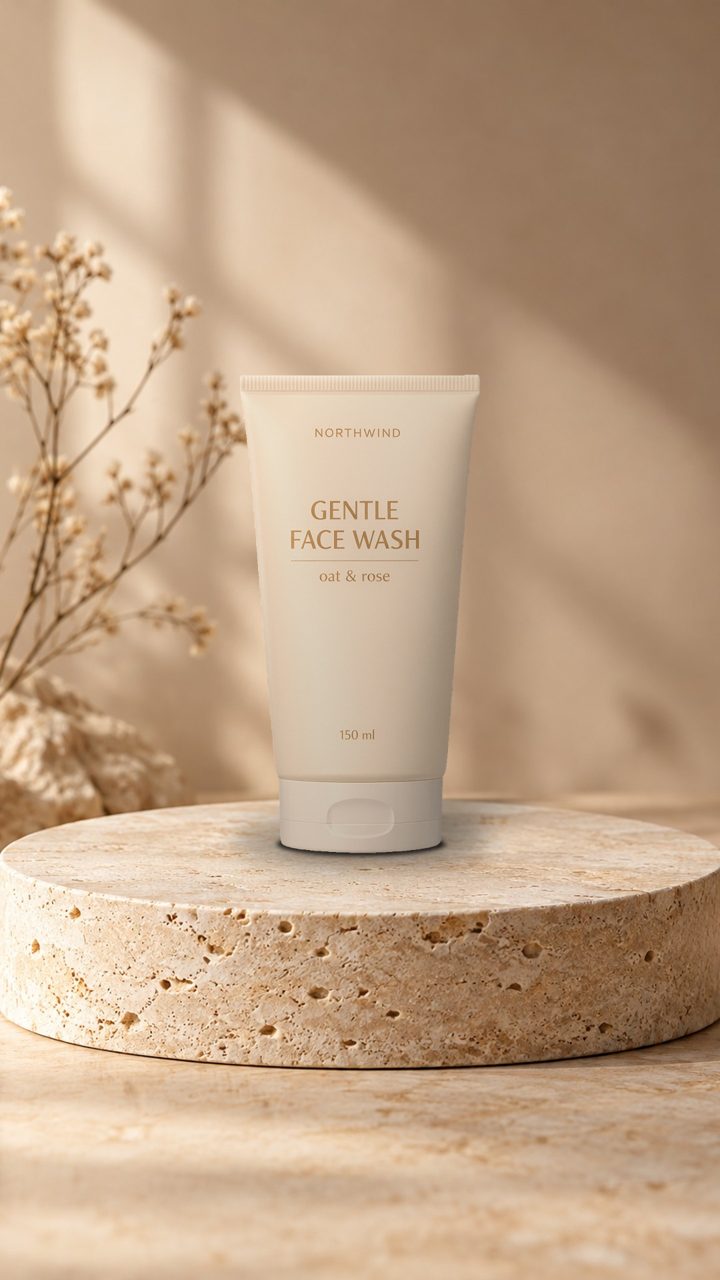
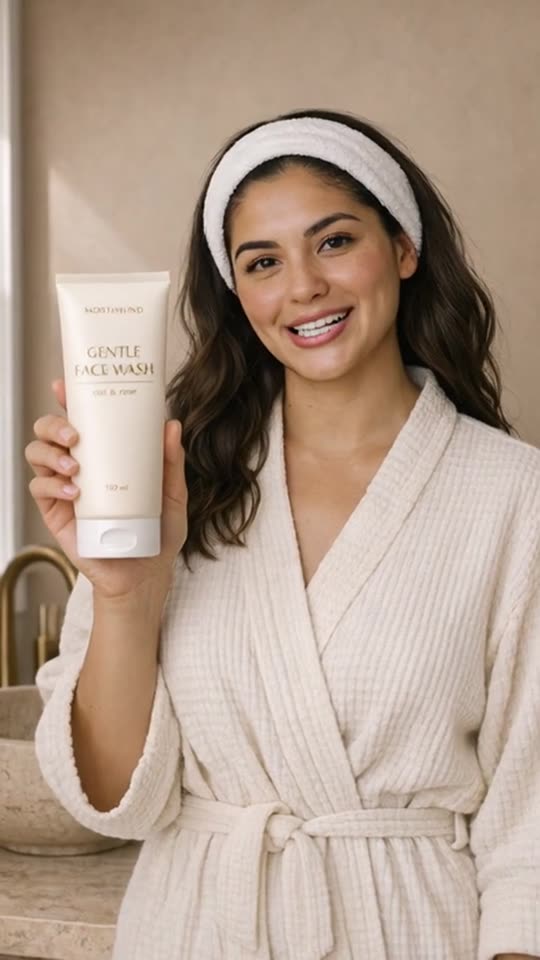
Face wash in a studio scene made by Launch Desk
Face wash
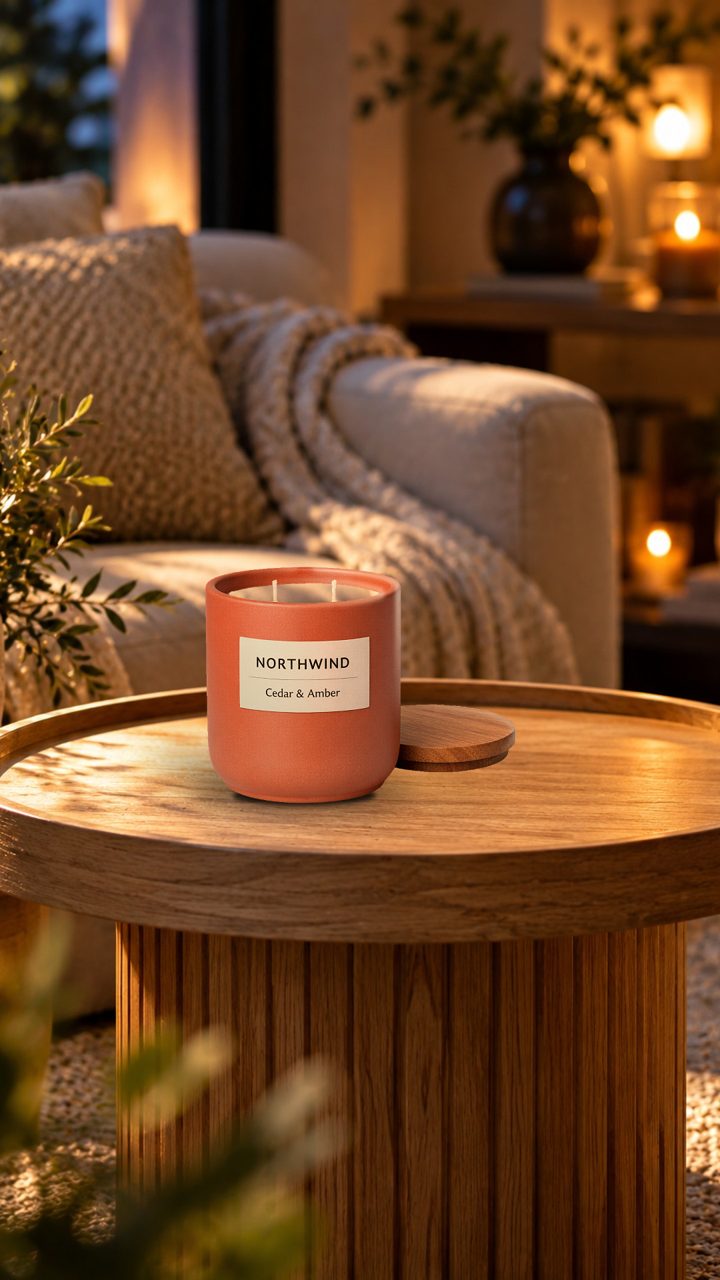
Candle in a studio scene made by Launch Desk
Candle
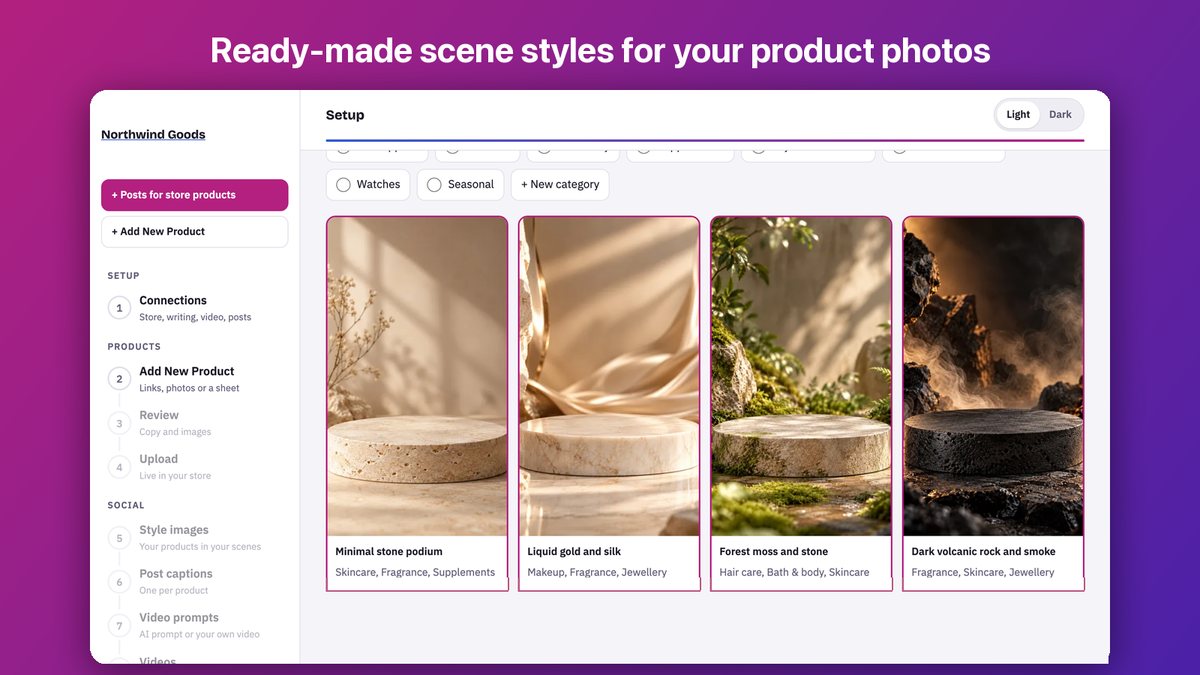
The scene style library
Scene library
FAQ

AI product photos: questions and answers

Should I still use a white background photo?

Yes, for the first image on your listing. Use scene images in the gallery and on social media, where lifestyle images get more attention.

Related

Works well with

Ready for your next launch?

Start a free trial on Starter or Basic, or book a 20-minute demo with your own products.