
Add products by hand
No link? Add a product with your own photos and a few facts, and Launch Desk writes the listing.
On this page
Before you start
- Anyone on your store's team can do this.
- Plans: All plans. Credits: Each product counts once against your plan's monthly products.
Steps
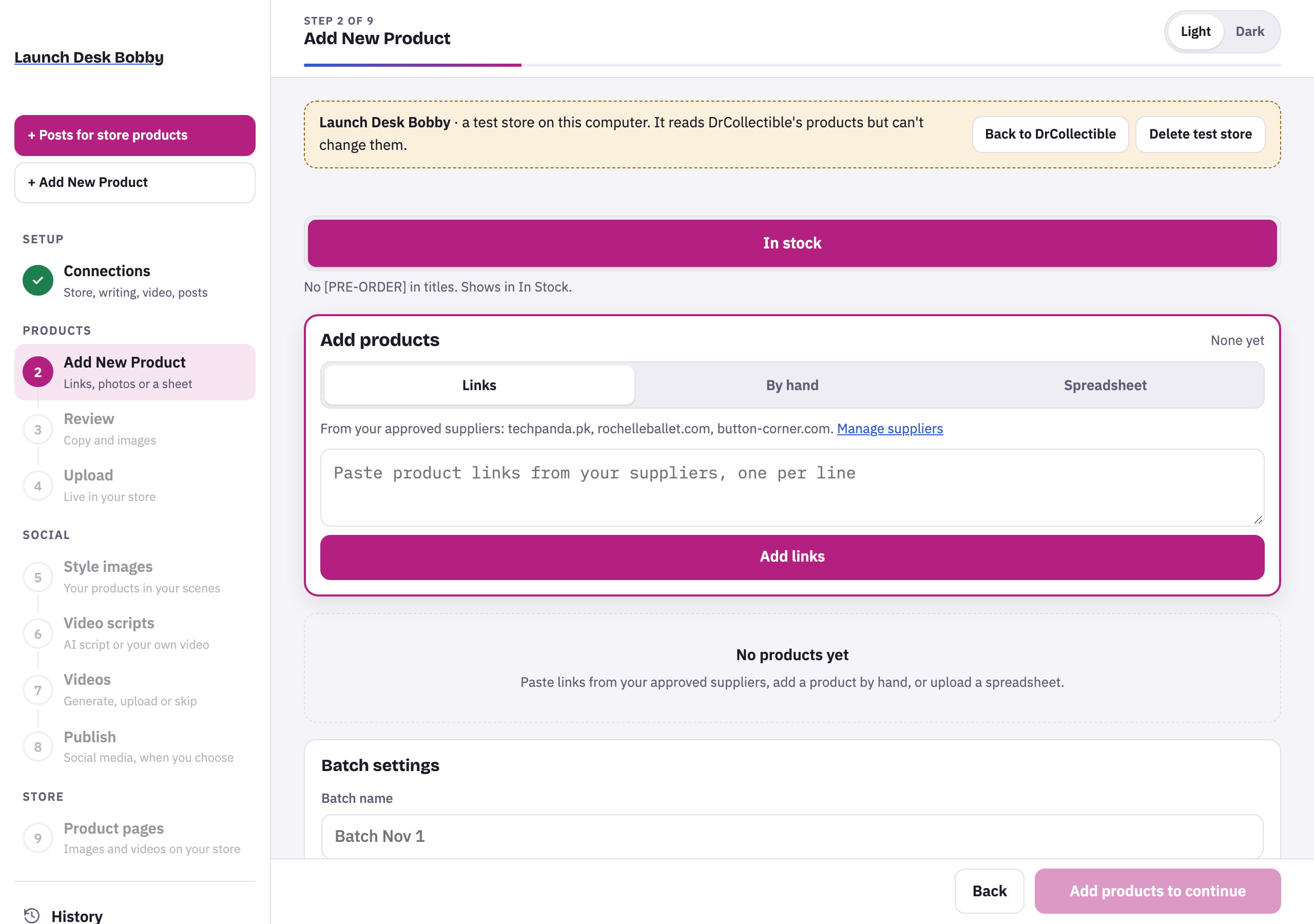
- On Add New Product, choose the By hand tab.
- Fill in Product name, choose Your photos (up to 10), and add the Brand if it has one. Leave SKU blank to have one made.
- In What it is, write the facts the description should use, like “10 cm vinyl figure, Marvel licence, limited edition”. Add specs in More details, one per line, like “Material: Vinyl”.
- Press Add product. It joins the list as “Added by hand”.
Tips and limits
LimitUp to 10 photos per product, 25 MB each. JPEG, PNG or WebP.
If something goes wrong
"…" couldn't be read. Use JPEG, PNG or WebP photos (on iPhone, choose "Most Compatible" in Camera settings).
The photo is in a format Launch Desk can't read (often HEIC from an iPhone). Save it as JPEG, or change the iPhone camera setting.
Add at least one photo of the product.
Every product needs at least one photo.





















