
Your scene library and seasons
Add ready-made studio scenes for your style images, make your own version with AI, or upload your own scene photo.
On this page
Before you start
- You need to be the store's owner in Launch Desk (staff can't do this).
- Settings › Scene styles
- Plans: All plans (making your own version uses an AI background). Credits: Ready-made scenes and uploads are free. Your own AI version uses one AI background, then it's free for every product.
Steps
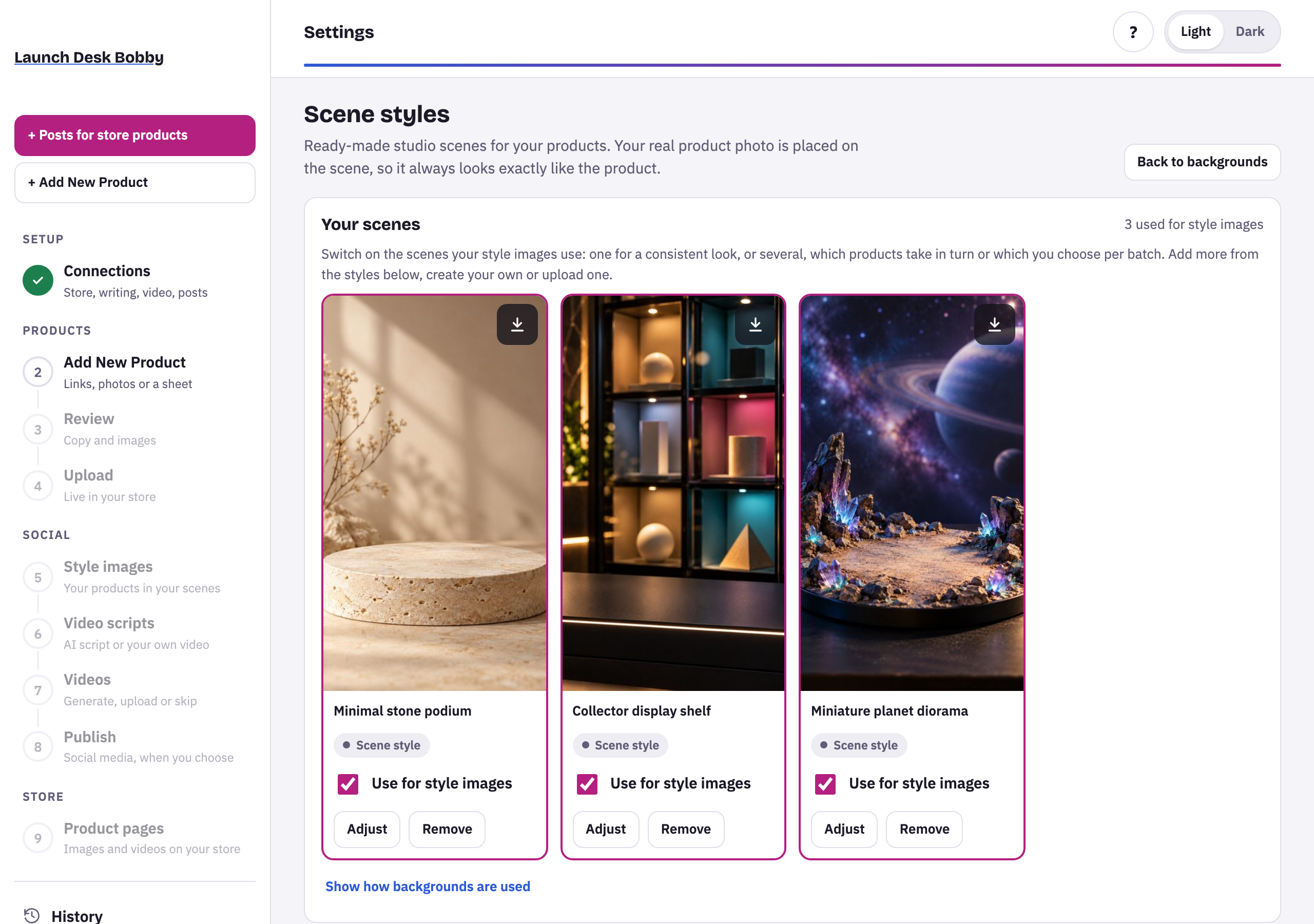
Choose your scenes
Your scenes are the ones style images use: one for a consistent look, or several, which products take in turn or which you choose per batch. Below them, Add · free any ready-made scene. Removing a scene doesn’t change images already made.
Make your own version
On a scene, choose Make my version: pick the camera, the lighting and, if you like, your brand color, then Make it. It’s made once (about 40 seconds) and then used for all your products at no further cost.
Upload your own scene
Upload a vertical photo of an empty stand, table or shelf, with room above it. Launch Desk checks it and places a sample product on it so you can see the result first, then Use this scene or Try another.
Seasonal scenes
Some scenes are for a season, like Eid, Ramadan nights, wedding season or Independence Day. In season they’re marked In season and suggested in batches.
Tips and limits
If something goes wrong
This one may not work well
Scenes with people, text or logos, or without a clear empty surface, can't be used. Try another photo.





















