
Connect TikTok
Post your product videos to TikTok. Available on plans with AI videos; the button opens once TikTok has finished reviewing Launch Desk.
On this page
Before you start
- You need to be the store's owner in Launch Desk (staff can't do this).
- A plan with AI videos (Growth or Pro); other plans don't show TikTok
- Any TikTok account; a Business account works best for shops
- Plans: Growth and Pro. Credits: None. Connecting and posting don't use credits.
Steps
TikTok is reviewing Launch Desk. Until it has, the TikTok card says Coming soon! with Connect TikTok · coming soon. This article covers what happens once it opens.
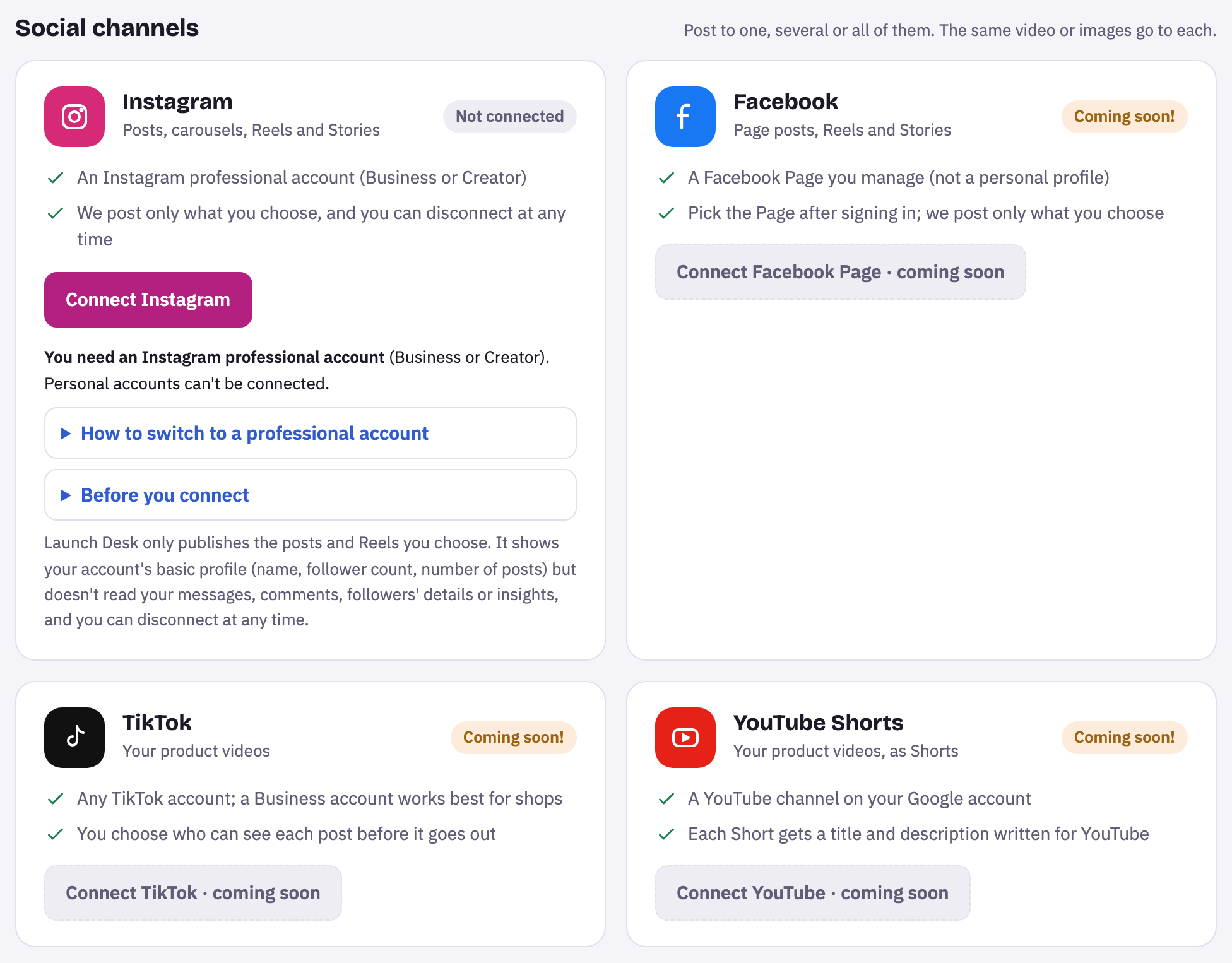
- On Connections, find the TikTok card and press Connect TikTok.
- TikTok’s sign-in opens. Sign in and press Authorize. Launch Desk asks for your basic profile and to post videos.
- Back in Launch Desk, a message says TikTok connected with your @username. The card shows the account, with Change account and Disconnect.
Your product videos can now go to TikTok from Publish.
Disconnect
Press Disconnect, then Yes, disconnect. Launch Desk stops posting to the account, and anything scheduled for TikTok won’t go out. Posts already on TikTok stay there.
Tips and limits
If something goes wrong
This TikTok account is public. Until TikTok approves Launch Desk, it only accepts posts from private accounts …
In TikTok, go to Settings and privacy › Privacy and turn on Private account, then post again.
TikTok posting wasn't allowed. Connect again and keep every permission ticked.
Press Connect again and leave both permissions ticked on TikTok's screen.
This TikTok account has reached TikTok's daily post limit. Try again tomorrow.
TikTok's own limit for the account. Schedule the post for tomorrow on the Publish step.
… is already connected to another business.
One TikTok account can belong to one store in Launch Desk. Disconnect it there first, or connect a different account.





















