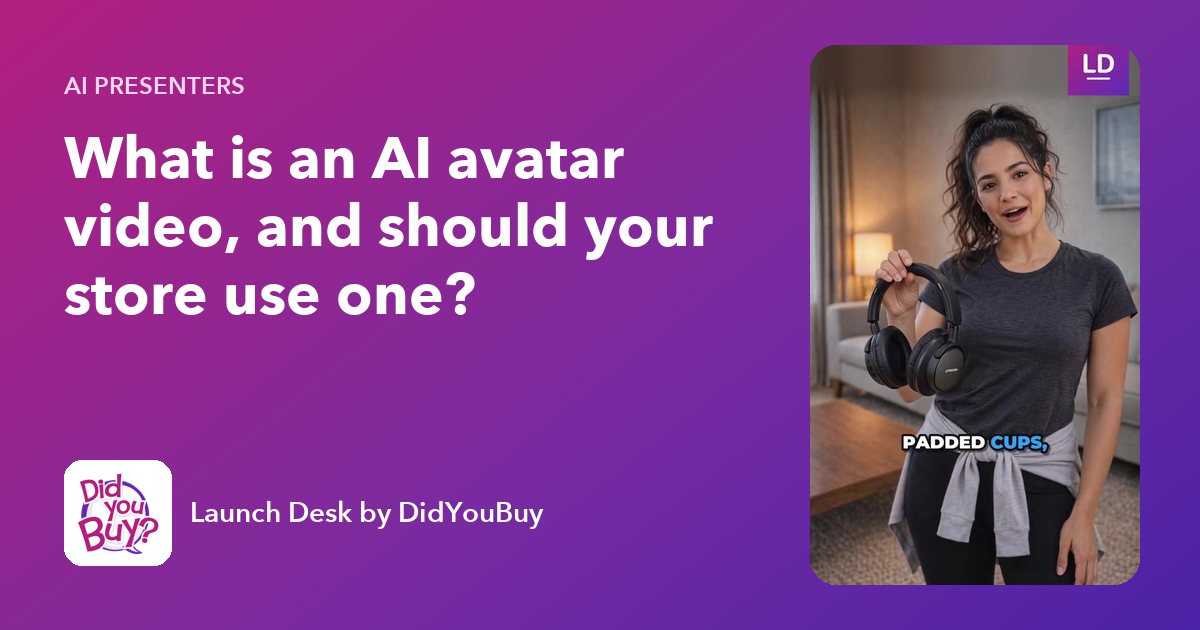
An AI avatar video is a short video in which a realistic, AI-made presenter holds your product and talks about it, with a natural voice, lip sync and captions. It looks like a creator or UGC-style video, but there’s no filming, no casting and no editing. For online stores, it’s a fast way to explain products that need explaining, in the vertical format Reels, TikTok and Shorts are built for.
This guide covers how avatar videos are made, when they work (and when they don’t), the rules on labeling and endorsements, and how to write a script that people watch to the end.
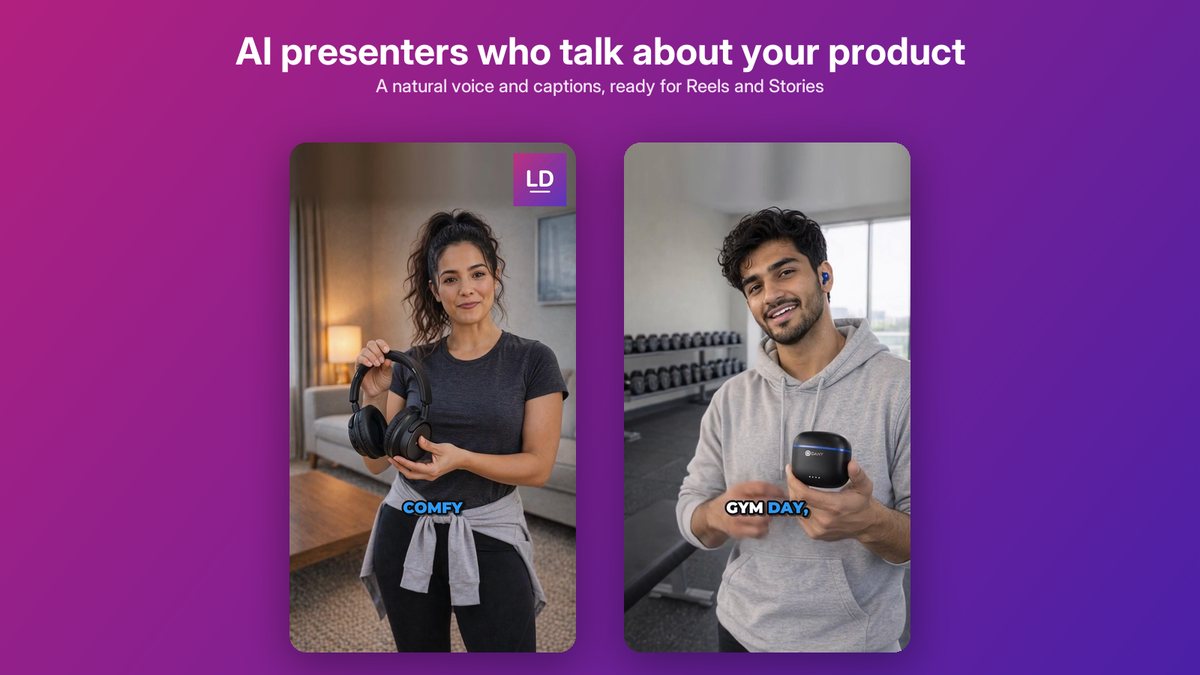
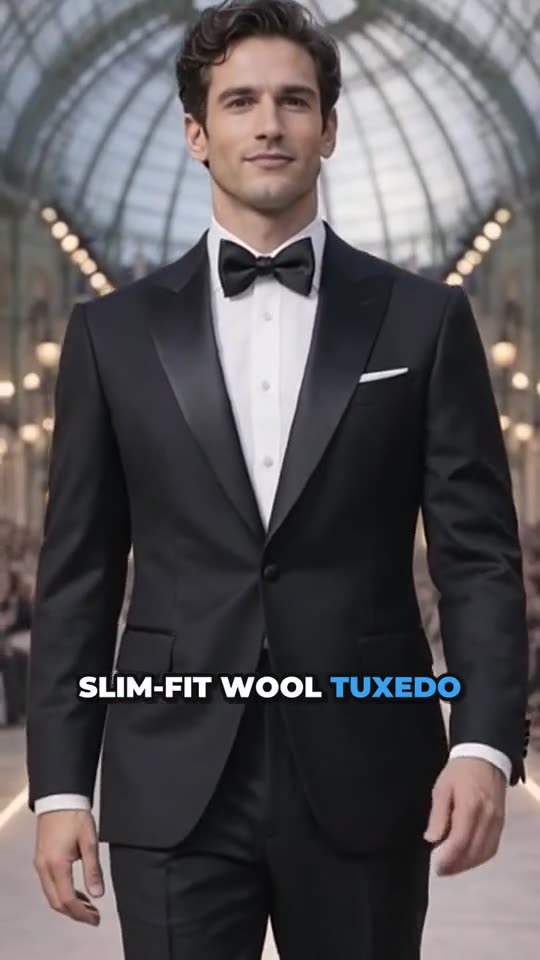
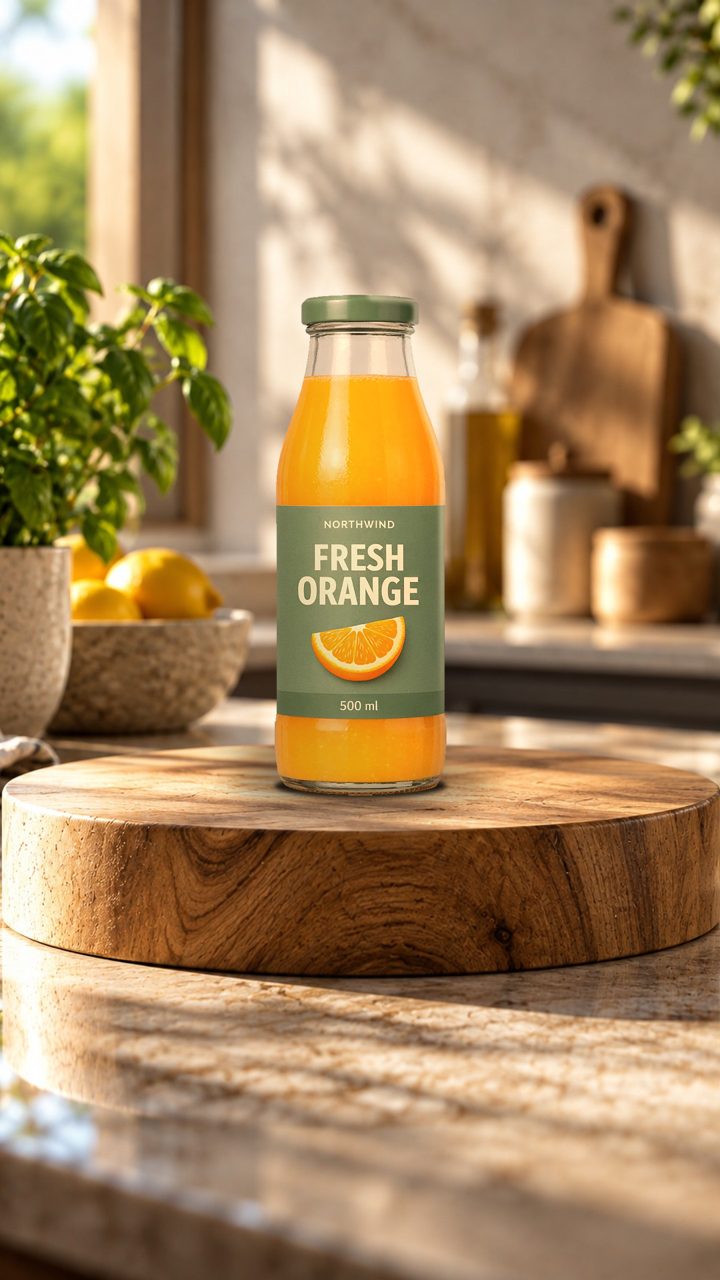
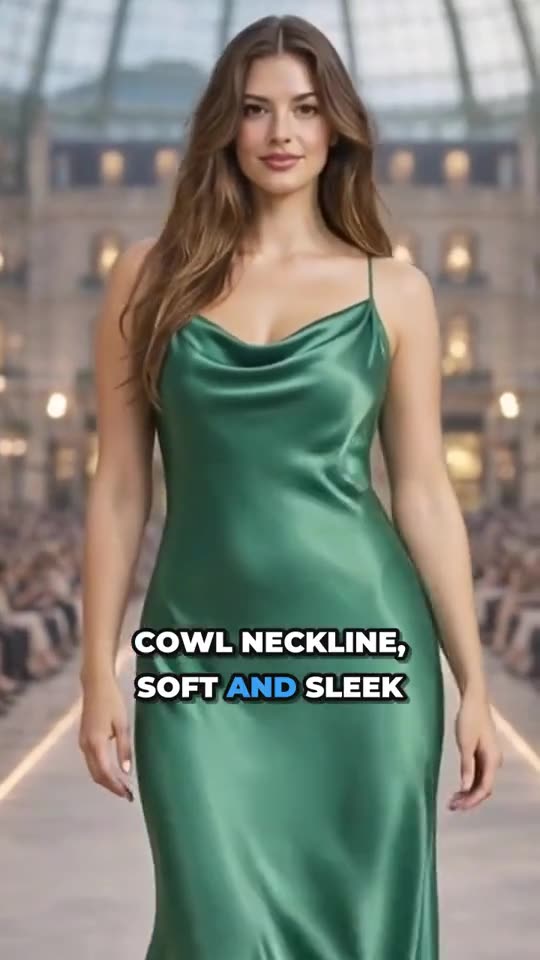
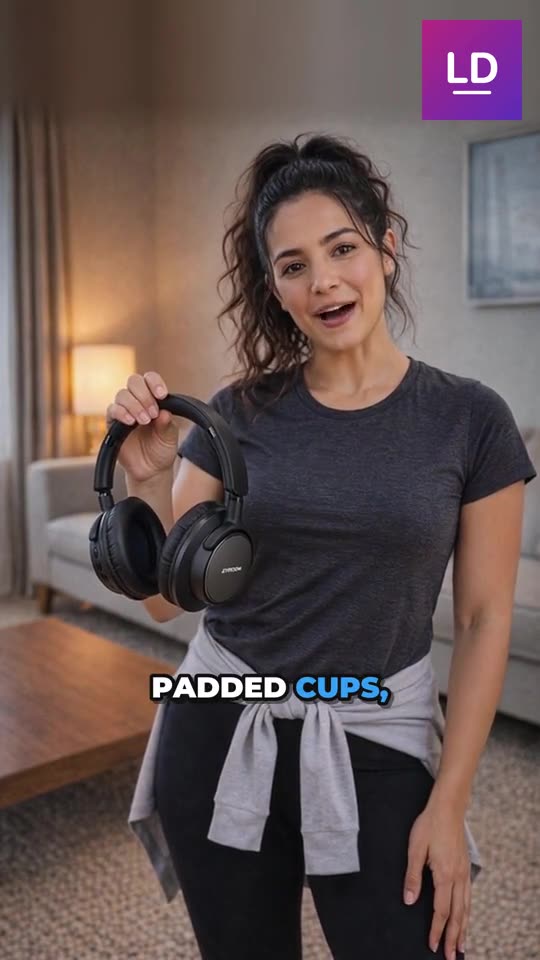
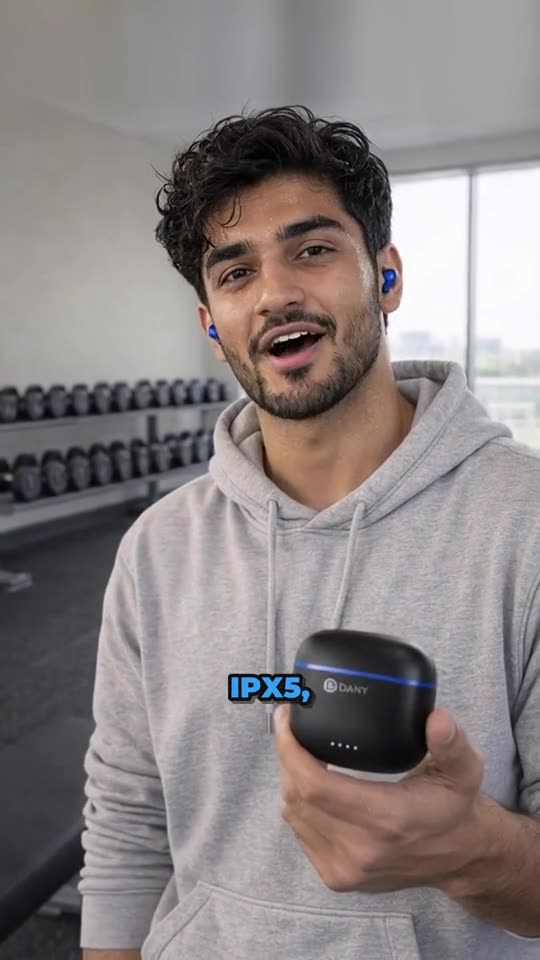
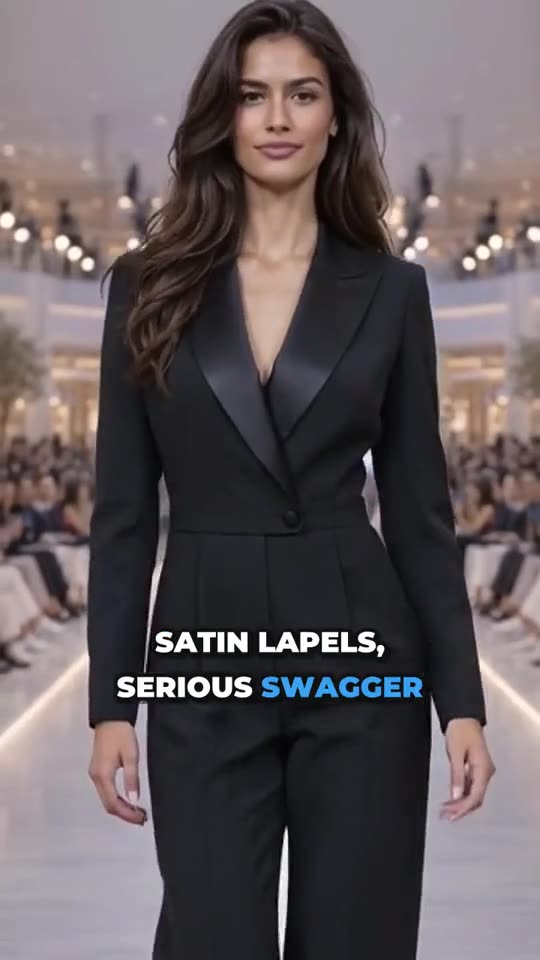
AI presenters showing headphones and earbuds, with a natural voice and bold captions.
Why stores use presenter videos
People buy from people. A face talking about a product holds attention longer than a product on its own, and a presenter can explain things a still image can’t: how to use it, what it feels like, who it’s for.
Real creator videos are effective but hard to scale. Finding creators, shipping products, waiting for content, and paying for each video adds up, and you can’t easily remake a video when a detail changes. AI presenters fill the gap for everyday product explainers, while real creators remain valuable for genuine reviews and community.
How an AI avatar video is made
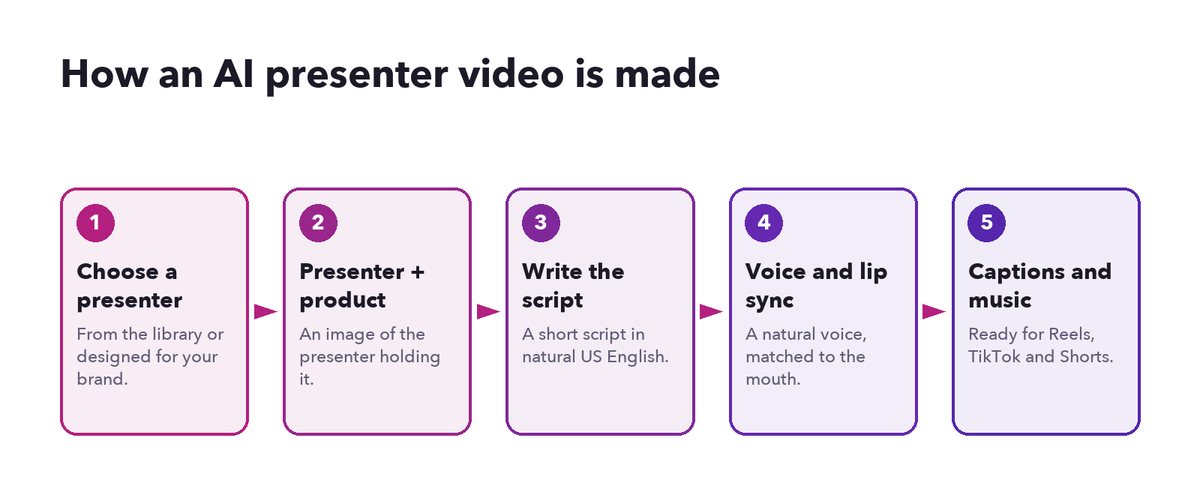
The five steps behind an AI presenter video.
- Choose a presenter. Pick from a library of presenters, or design one for your brand (age, style, setting). Consistency helps: using the same presenter across a collection builds familiarity.
- Put the product in their hands. The AI makes an image of the presenter holding your product in a natural setting: headphones at home, earbuds in a gym, skincare by a bathroom sink.
- Write the script. A short script in natural, conversational language. Launch Desk writes one from your product’s details in US English, and you can edit it.
- Voice and lip sync. A natural synthetic voice reads the script, and the presenter’s mouth is matched to the words.
- Captions and music. Bold captions highlight each spoken word, and a quiet music bed goes underneath.
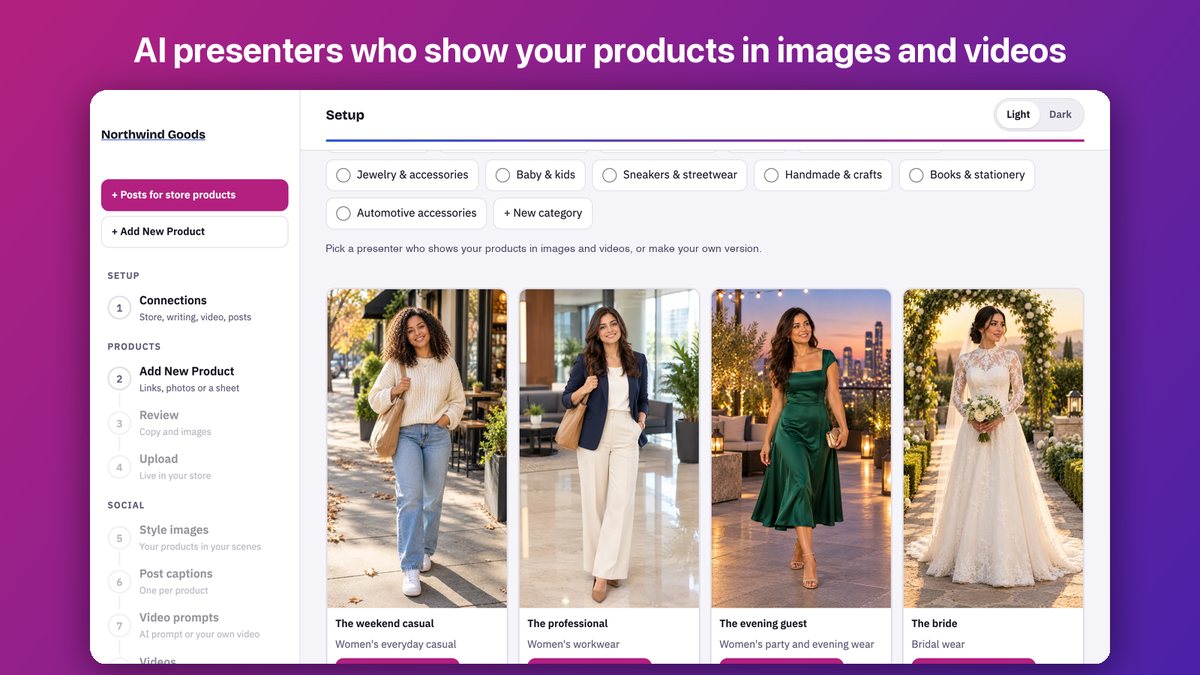
A library of presenters, grouped by style, for different products and audiences.
When avatar videos work well
- Products that need explaining: gadgets, skincare routines, kitchen tools, anything with a “how to”.
- Feature-led products: “40-hour battery”, “sulfate-free”, “fits in a pocket”. A presenter can say it and show it.
- Consistent series: a weekly “product of the week” with the same presenter.
- Testing messages: try two hooks or two benefits as two videos and see which performs better.
When they don’t
- Genuine reviews and testimonials. Those must come from real customers (more on this below).
- Luxury and craft brands whose story depends on real people and real places.
- Products AI services decline, such as licensed characters. A good tool says so clearly and suggests another format, like a studio image.
The rules: labeling and endorsements
This part matters. Get it right and avatar videos are a safe, useful tool; get it wrong and they can damage trust or break rules.
- Label realistic AI content. Instagram, TikTok and YouTube ask creators to disclose realistic AI-generated people and scenes, and they add or allow “AI” labels. When Launch Desk posts to YouTube, it sets the AI label for you.
- Avatars present; they don’t testify. An AI presenter can explain what a product does. It must not claim to be a customer, say “I’ve used this for a month”, or give a review. In the US, the FTC’s rule on fake reviews and testimonials covers endorsements from people who don’t exist, including AI-generated ones.
- Keep claims true. Everything the presenter says is your claim. Avoid health claims and superlatives you can’t support.
- Show the real product. The product in the presenter’s hands should be the one you sell, as it is.
A simple test: if a viewer would feel misled when they learned the presenter was AI, change the script.
How to write an avatar script that works
Ten to fifteen seconds, about 25 to 40 spoken words. A proven shape:
- Hook (one line): a question or a relatable moment. “Long flights, loud cabins?”
- Product and benefit: “These over-ear headphones block out the noise and last 40 hours on a charge.”
- One proof or detail: “Fold flat, fit in your bag.”
- Close: “Tap to shop.”
Write the way people talk. Read it aloud. Cut every word that doesn’t earn its place. And remember the captions: each line should make sense with the sound off.
Example scripts
Skincare: “Morning routine in under a minute? This gentle face wash with oat and rose cleans without that tight feeling. Just a little, every morning. Tap to shop.”
Earbuds: “Gym day. These earbuds stay put, even on the treadmill, and the case charges them three times over. Tap the link.”
Kitchen: “Still squeezing lemons by hand? This press gets every drop in one squeeze, seeds stay inside. Tap to shop.”
(Only use details that are true for your product.)
Avatar videos vs creator videos vs product-only videos
| AI avatar video | Real creator video | Product-only video | |
|---|---|---|---|
| Speed | Minutes | Days to weeks | Minutes |
| Cost per video | Low | Medium to high | Lowest |
| Human face | Yes (AI) | Yes (real) | No |
| Genuine review | No | Yes | No |
| Easy to remake | Yes | No | Yes |
| Best for | Explainers, series, testing | Reviews, community, trust | Every product, every week |
Most stores benefit from all three: product-only videos for the whole catalog, avatar explainers for products that need a voice, and real creators for reviews.
Getting started
Pick three products that customers often ask questions about. Write a 12-second script for each answering the most common question. Make the videos, label them as AI where the platform asks, and post them as Reels next to your usual product videos.
In Launch Desk, AI avatar videos are included on the Growth plan (5 a month) and the Pro plan (10 a month), with avatar images on Basic and Growth per use. See pricing or watch the demo.