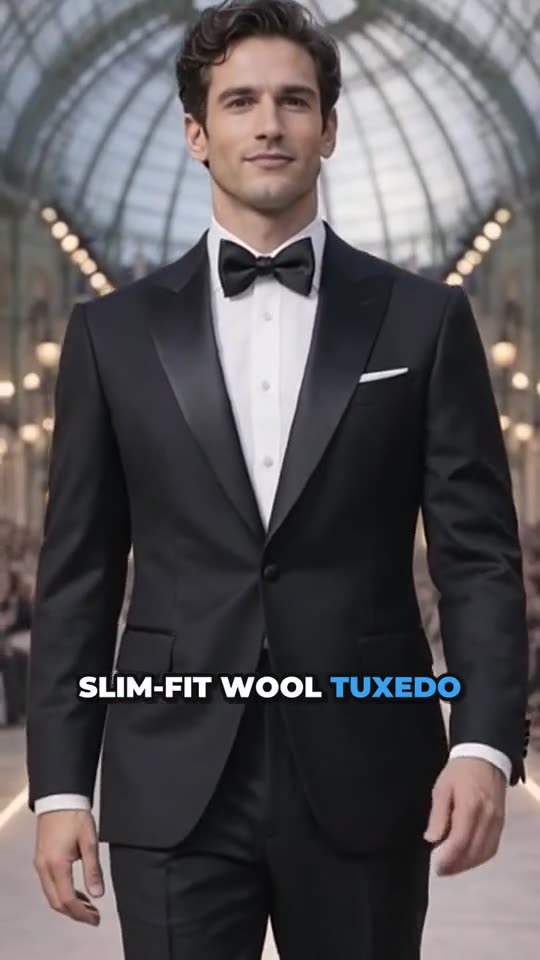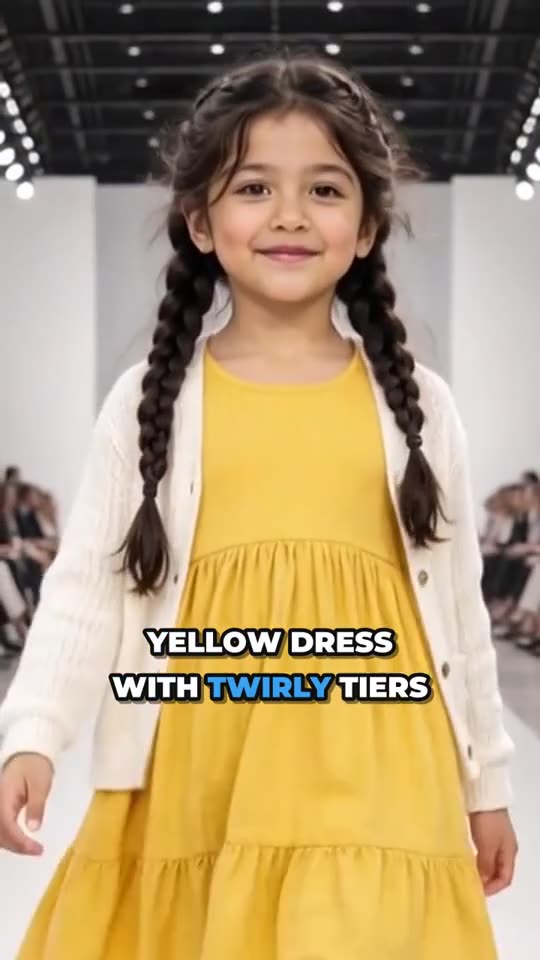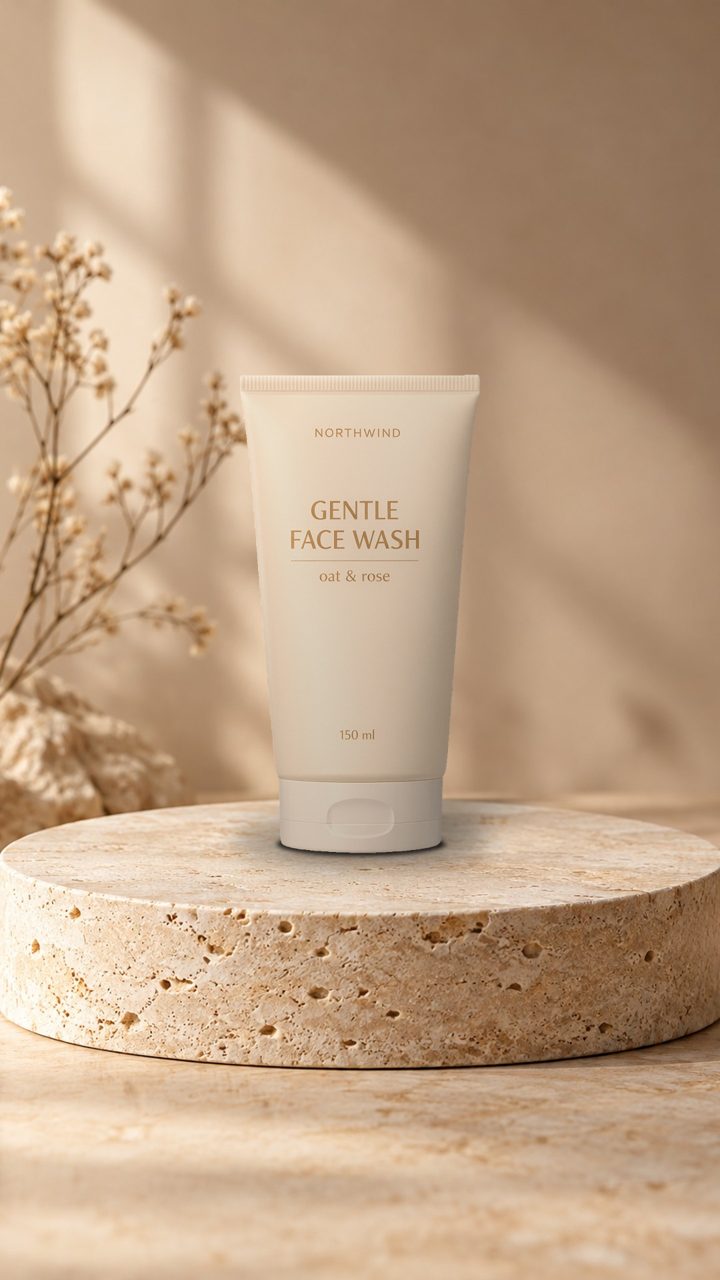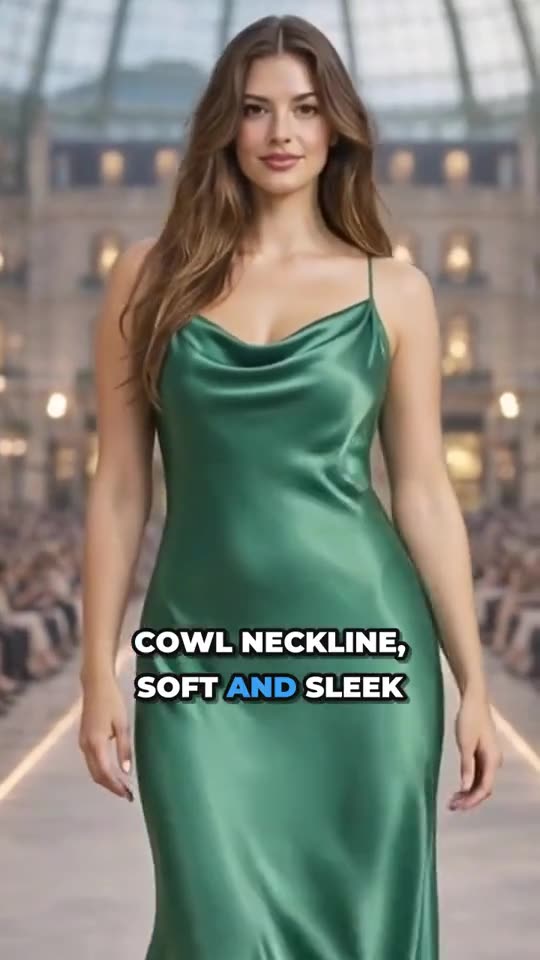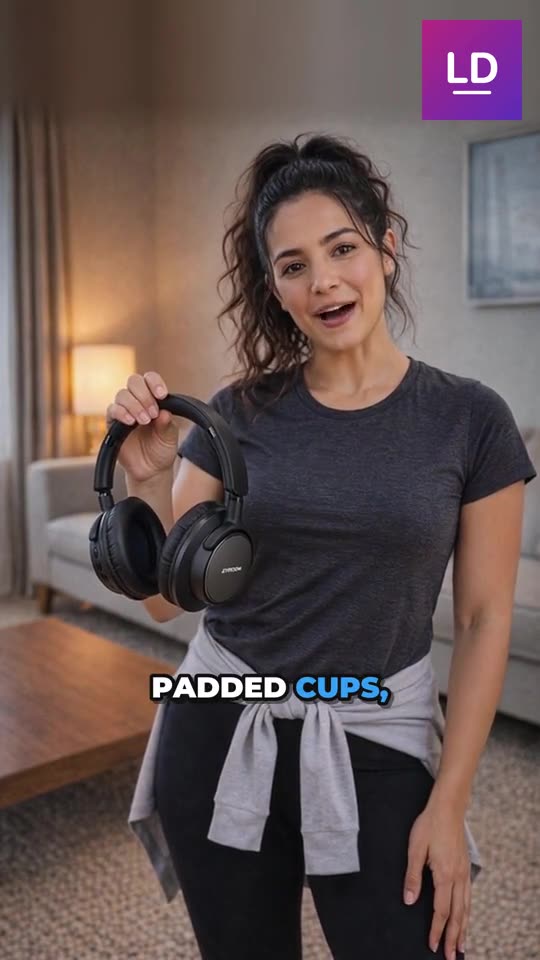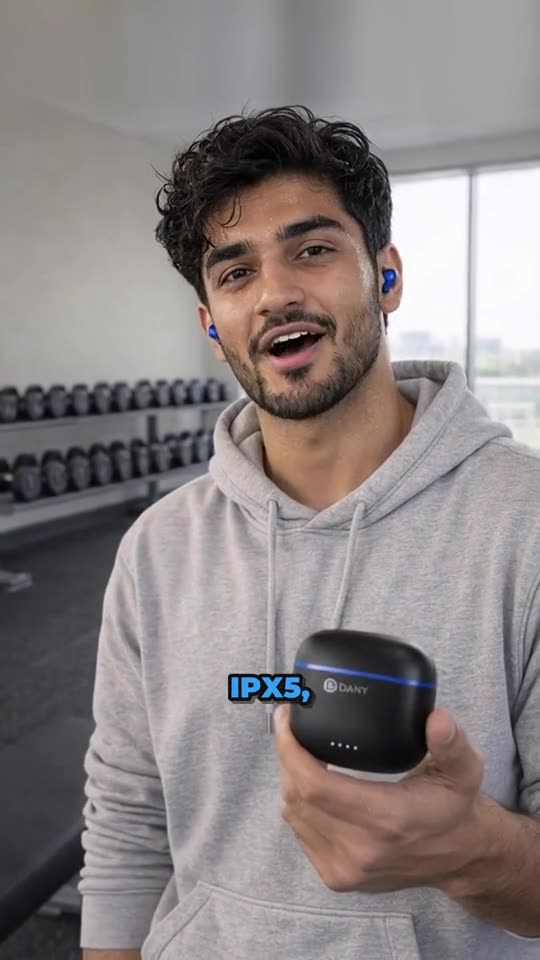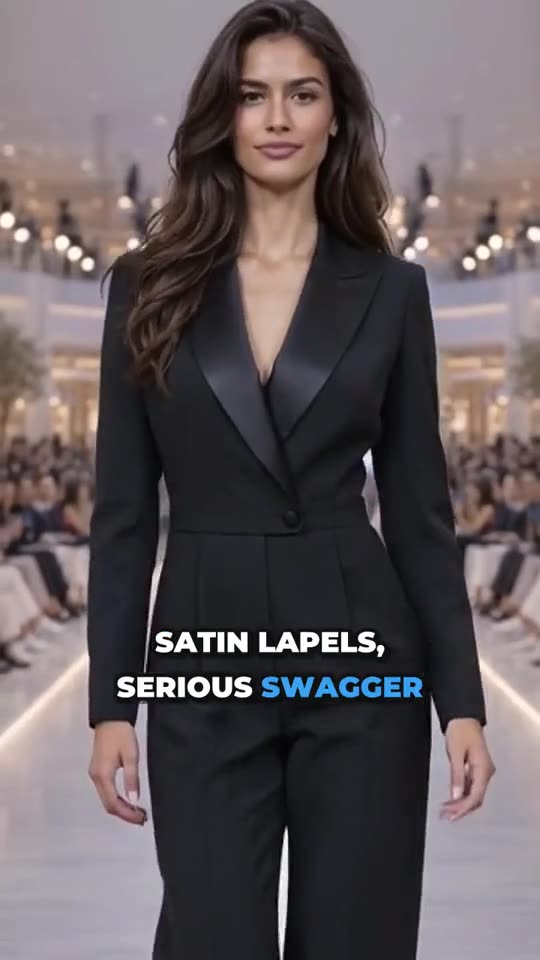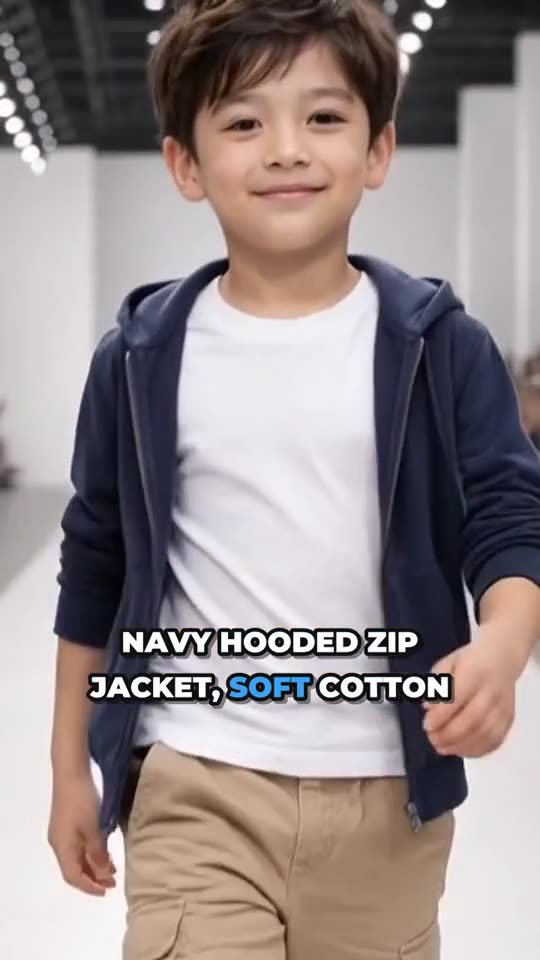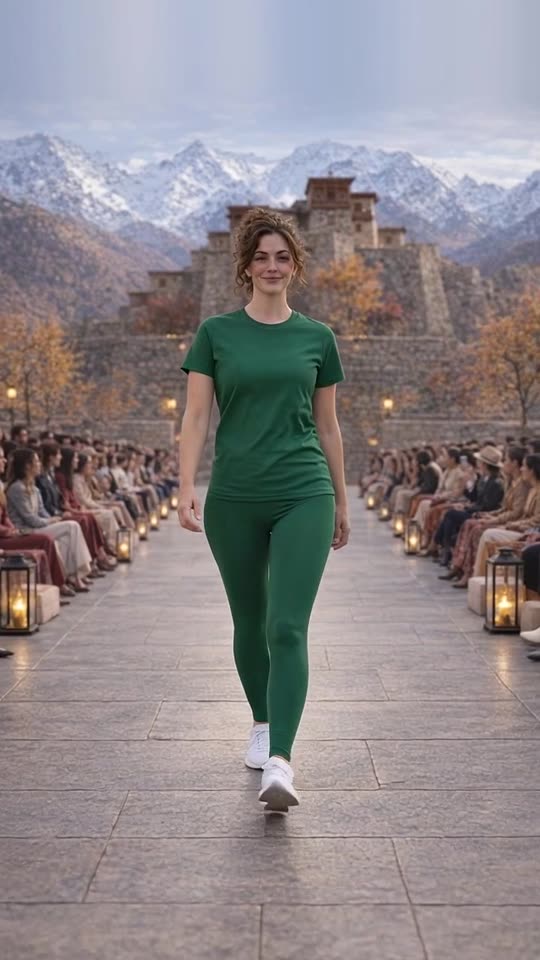

Virtual try-on shows your clothing on realistic AI models instead of booking a photo shoot. You start from a clear photo of the garment or shoes, pick a model (women, men or kids) and a setting, and the AI makes a photo of that model wearing your product. Some tools, including Launch Desk, then turn the photo into a runway-walk video with music and captions for Reels and TikTok.
For small clothing brands, this changes the economics of content: every new arrival can be shown on a person, in a real-looking place, the day it lands. This guide explains how it works, where it shines, its limits, and how to use it well.
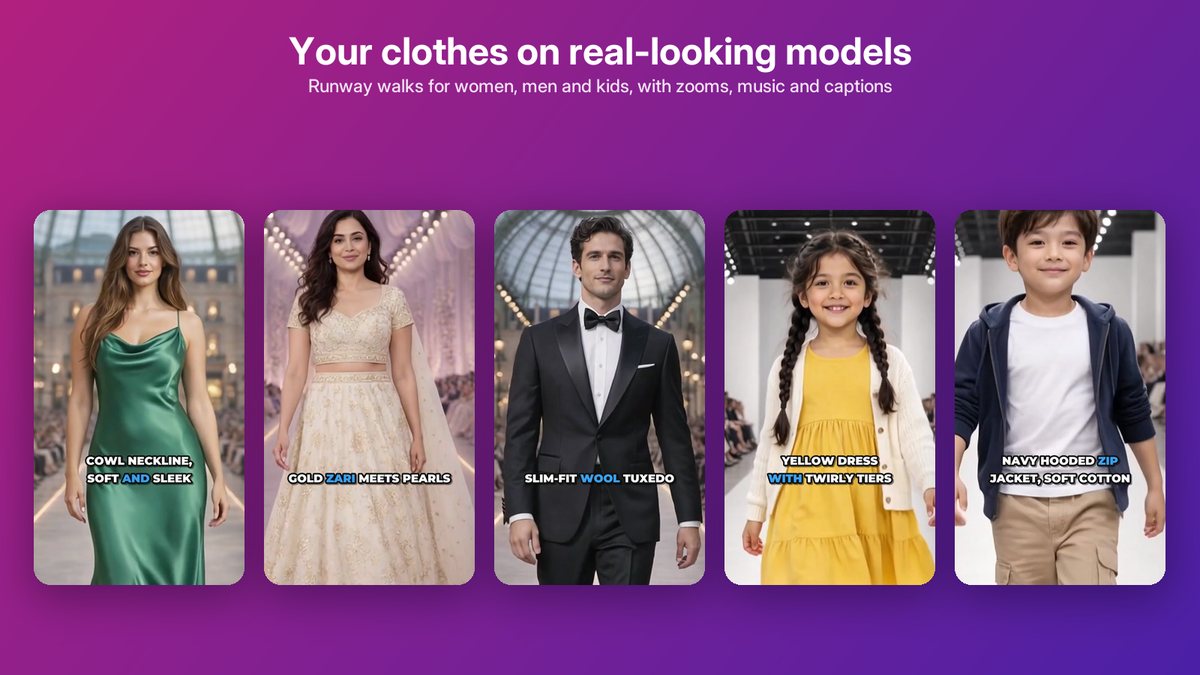
Runway walks for women, men and kids, made from product photos, with zooms, music and captions.
Why clothing stores need people in their photos
Clothing is hard to sell flat. A garment on a hanger or a flat lay doesn’t show how it hangs, how long it is on a person, how it moves, or how it looks with shoes. Shoppers fill those gaps with guesses, and wrong guesses become returns.
Photo shoots solve this, but they’re expensive and slow for a small brand: models, a photographer, a location or studio, styling, editing, and the coordination to bring them together. Most small stores shoot a few hero pieces a season and leave everything else on a flat lay.
Virtual try-on closes that gap for everyday content: every product can be shown on a person, quickly, at a predictable cost.
How AI fashion models work
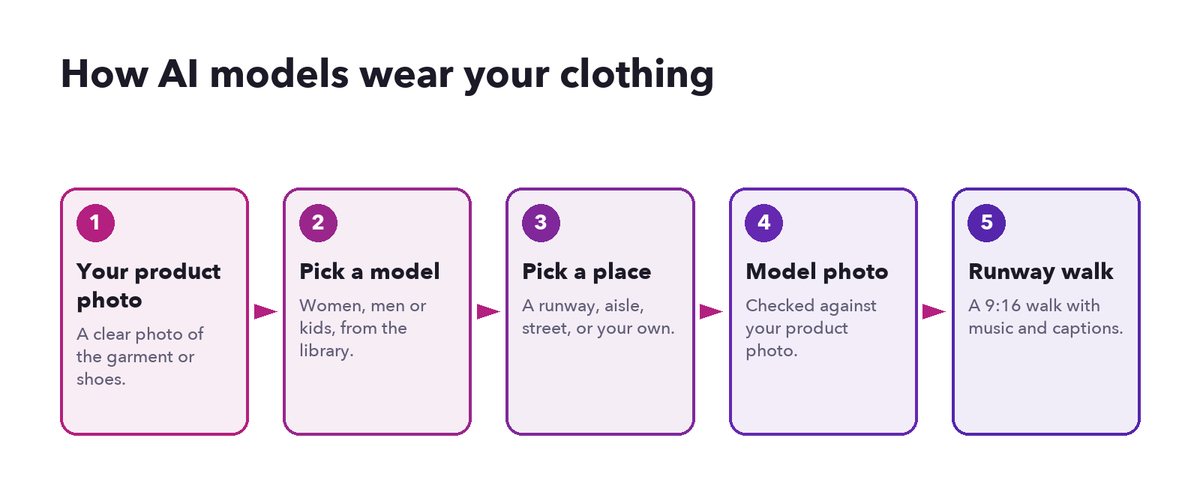
From a product photo to a runway walk.
- Start with a clear product photo. The garment or shoes on a plain background or a mannequin, well lit, with the whole item visible. For details that matter (a back neckline, a print), a second photo helps.
- Pick a model. Choose the age group and look that fits your customers: women, men or kids. In Launch Desk you pick from a library of models.
- Pick a place. A runway show, a wedding aisle, a heritage courtyard, a city street, or your own location. Launch Desk has 16 ready-made settings, and you can describe your own (with Polish with AI to tidy the description) or upload a vertical 9:16 photo of it.
- Make the model photo. The AI makes a photo of the model wearing your product in that place. Launch Desk checks the result against your product photo, so you know if the cut, color or print drifted.
- Make the walk. The model photo becomes a short video: the model walks toward the camera, with zooms, music and bold captions naming the details (“satin lapels”, “cowl neckline”).
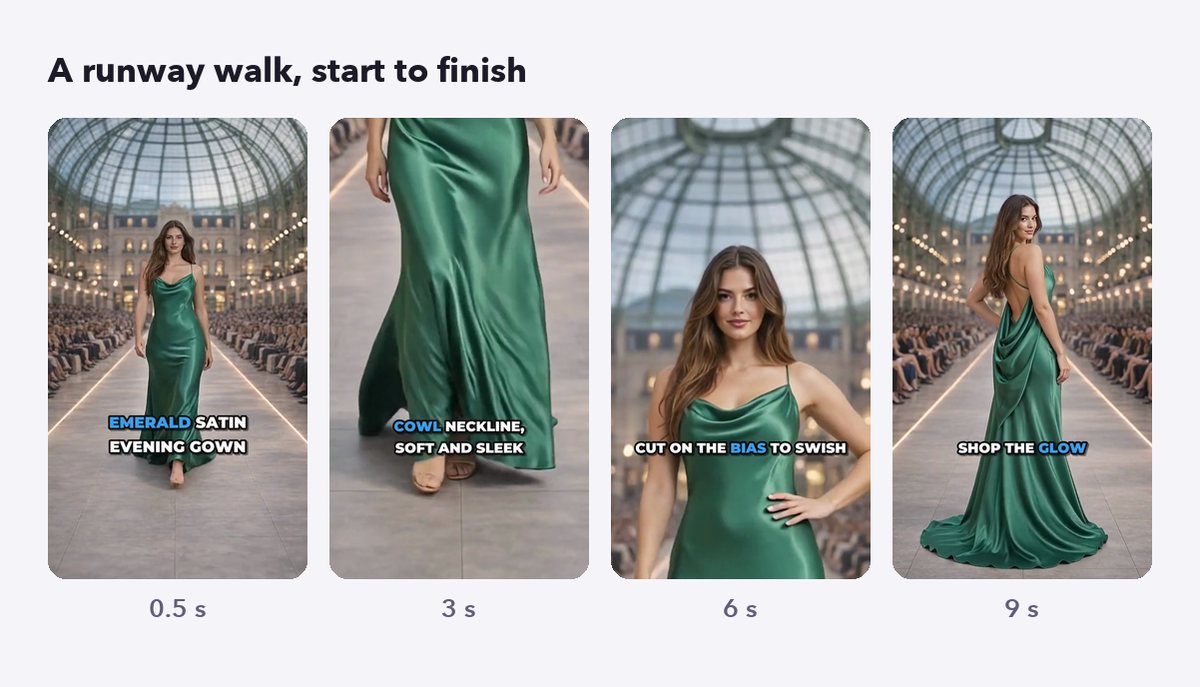
A runway walk from start to finish, ready for Reels and TikTok.
Outfits: several products at once
You can also combine products into one look. Pick two to five items (a top, trousers and shoes, for example) and the model wears them together in one photo and one walk. This is a natural way to sell more than one item from a single post.
Where virtual try-on works best
- New arrivals. Show every new piece on a person the day it arrives, instead of only the hero items.
- Social content. Runway walks are made for Reels and TikTok; model photos work as carousels and Stories.
- Seasonal and occasion wear. Put festive pieces in a festive setting and wedding wear on a wedding aisle, without traveling.
- Kids’ clothing. Kids’ shoots are especially hard to organize; AI kid models in simple, everyday settings avoid that.
- Testing. Try a product on different models or settings to see which post performs better before investing in a shoot.
The limits, honestly
AI models are powerful, but not magic. Know the limits before you rely on them.
- The product must stay true. Fabric texture, small prints, logos and exact colors can drift. Review every image, and redo any that don’t match. Launch Desk checks each image against your product photo and flags differences, but your eye is the final check.
- Fit is approximate. An AI model shows how a garment looks on a body; it can’t promise how it fits a specific customer. Keep your size guide accurate.
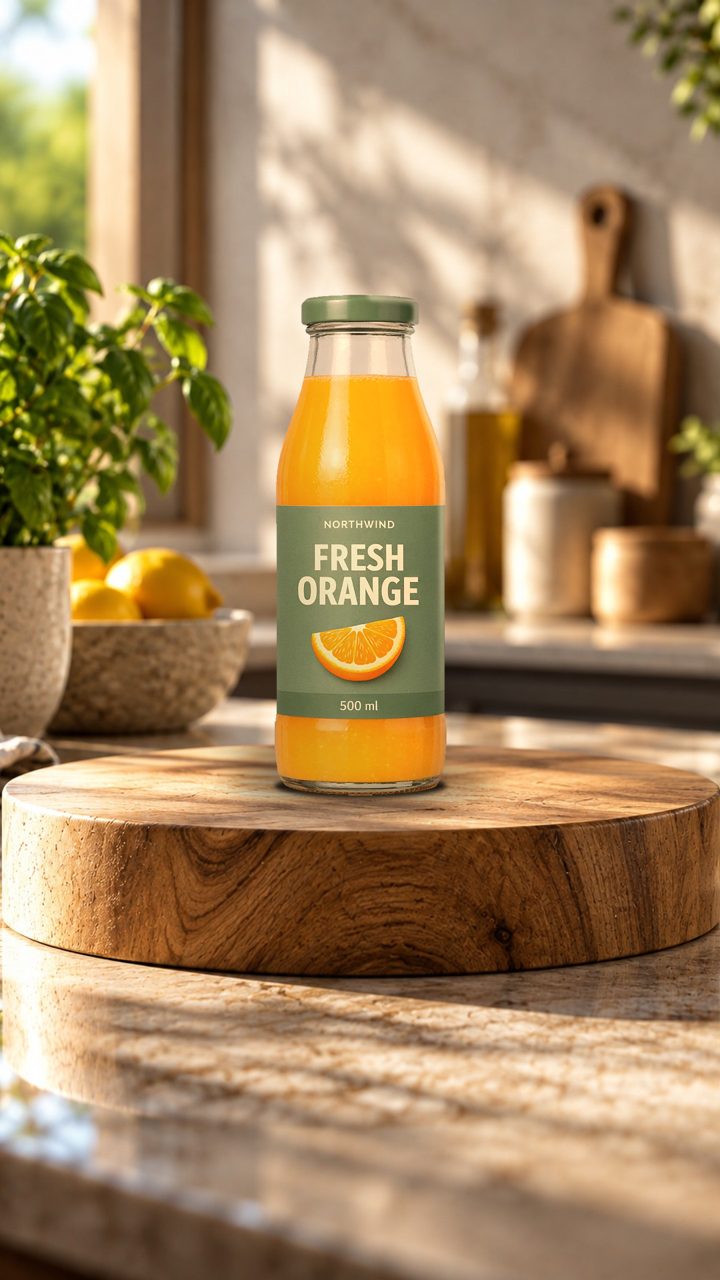
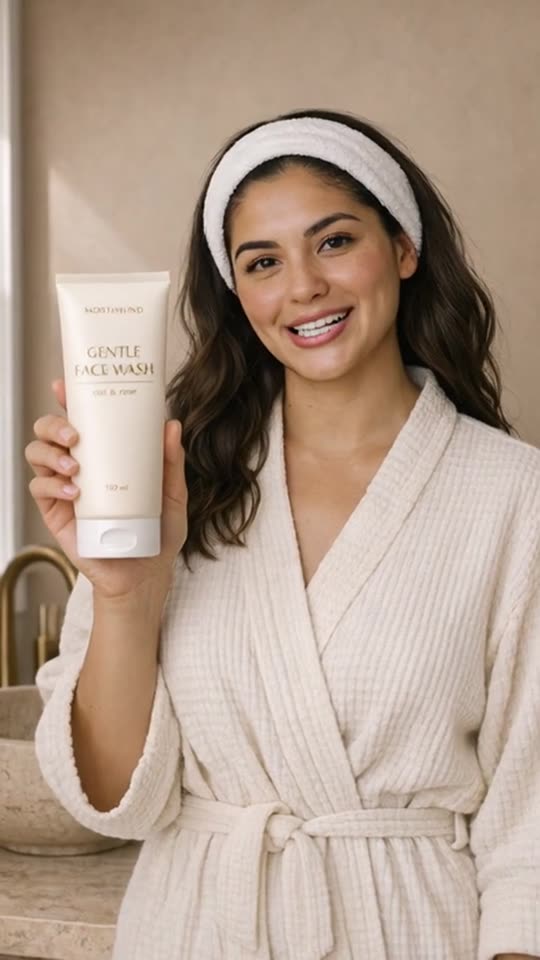
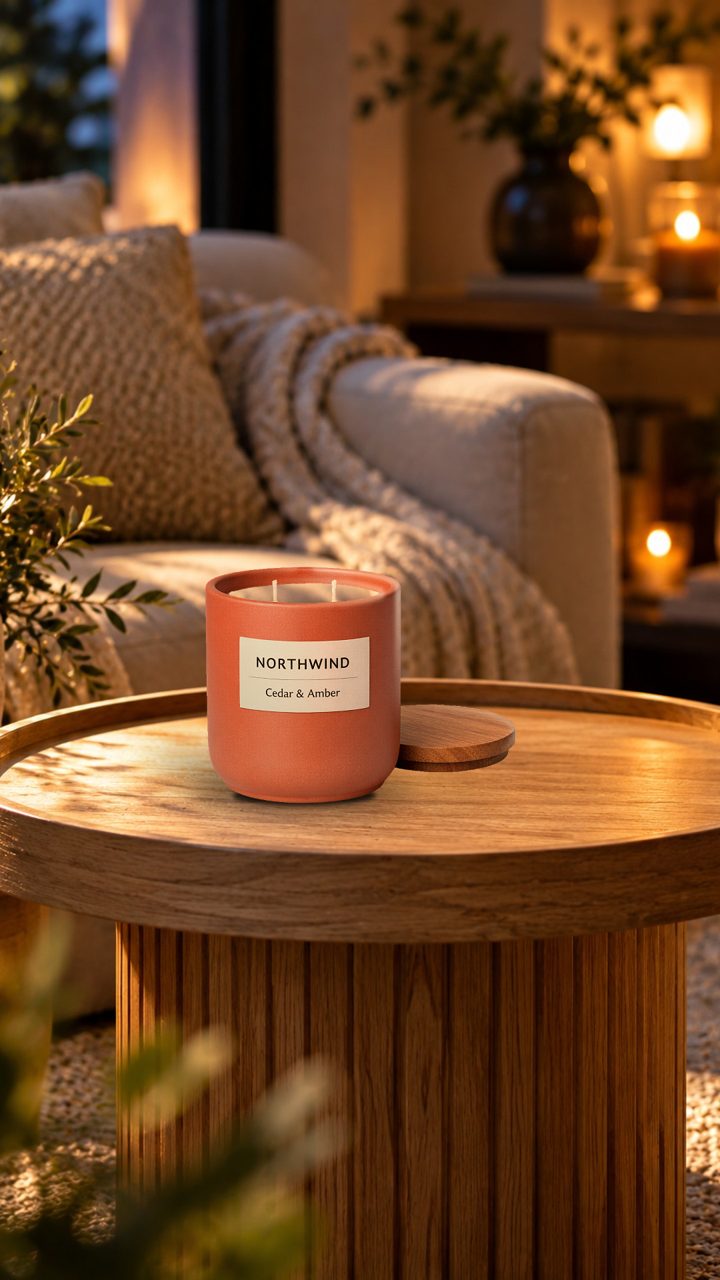
- Not every product works. Very sheer fabrics, complex layering and accessories can be harder. Models in Launch Desk are for clothing and shoes; other products are shown with studio images or AI presenters.
- Some images get declined. AI image services refuse some requests, for example licensed characters on clothing. A good tool tells you why and suggests options rather than forcing it.
AI models vs a photo shoot
| AI models | Photo shoot | |
|---|---|---|
| Time to content | Minutes per product | Days to weeks to plan, shoot and edit |
| Cost per product | Low and predictable | High; spread over the pieces shot |
| Every product covered | Yes | Usually only hero pieces |
| Locations | Any setting, or your own | Limited by budget and travel |
| Brand story and hero images | Good | Best |
| Exact fit on a real body | Approximate | Real |
Many brands use both: a real shoot for the campaign and hero images, AI models for everything else, every week.
Using AI models honestly
- Label realistic AI content where platforms ask (Instagram, TikTok and YouTube all have AI labels for realistic AI people).
- Never present an AI model as a customer or a reviewer. AI models show products; they don’t endorse them.
- Ship what you show. If the image changed the garment, don’t post it.
- Keep kids’ content simple and appropriate: everyday clothes, everyday settings.
How to get started
- Pick five pieces that sell better on a person than on a hanger.
- Take clean product photos of each (front, and back if it matters).
- Choose one or two models that fit your customers, and one setting per collection.
- Make the photos, review them against the real products, then make the walks.
- Post them as Reels and carousels, and compare with your usual flat-lay posts.
Launch Desk includes AI models on the Pro plan, with 30 AI images for avatars and models a month, 16 ready-made settings plus your own, outfits of up to five products, and runway walks with music and captions. See AI fashion models, Launch Desk for fashion stores, or watch the demo.